

Supercharge Your Learning with These Top Flashcard Apps

The 5 Best Flashcard Apps to Supercharge Your Learning
Every student, regardless of their field of study, faces the daunting task of memorizing vast amounts of information. From complex formulas and medical terminology to historical dates and literary quotes, committing information to memory is a fundamental part of academic success. While this can be a significant challenge, modern technology offers powerful solutions to make learning more efficient and effective.
For decades, students have relied on a simple yet powerful tool: the flashcard. The process of actively recalling information strengthens neural pathways, making it easier to retrieve that knowledge later. Today, digital flashcard applications have elevated this traditional study method to a new level. They eliminate the hassle of managing stacks of paper cards, integrate powerful learning algorithms, and are accessible right from your pocket.
With countless options available online and in app stores, all claiming to be the ultimate study companion, choosing the right one can be overwhelming. To help you find the perfect tool for your needs, we have rigorously tested and reviewed dozens of flashcard apps. Here, we present our top five picks, each excelling in different areas. Whether you’re preparing for a final exam, a professional certification, or a standardized test like the MCAT or GRE, one of these apps will help you study smarter, not harder.
1. Anki: The Power User’s Choice for Spaced Repetition
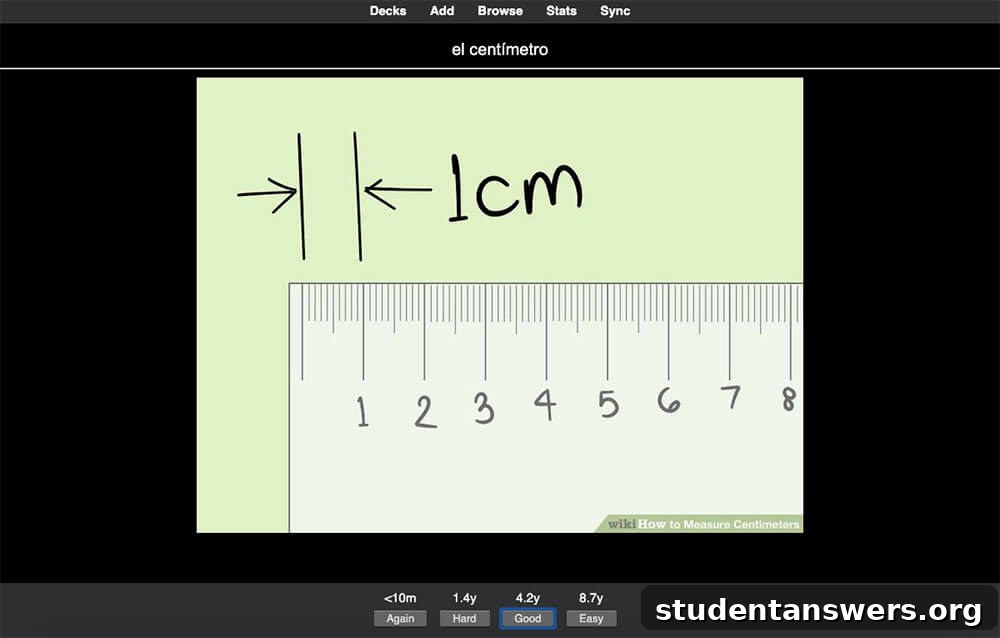
Overview: Anki is a highly powerful and customizable flashcard app built around the principle of spaced repetition. It’s the gold standard for serious learners who want maximum control over their study schedule.
Despite testing numerous newer and sleeker apps, Anki consistently remains our top recommendation for one simple reason: it is exceptionally effective for long-term knowledge retention. At its core, Anki uses a sophisticated Spaced Repetition System (SRS). This algorithm tracks your performance on each card and schedules reviews at scientifically optimized intervals. The goal is to show you a card right before you’re about to forget it, which is the most efficient moment to reinforce your memory.
How It Works
You begin by creating cards, which can include text, images, audio, and even complex scientific markup. These cards are organized into “Decks” by subject. When you study a deck, Anki presents one side of a card. After you recall the answer, you flip the card and tell Anki how difficult it was for you to remember, typically with options like “Again,” “Hard,” “Good,” or “Easy.” Based on your feedback, Anki’s algorithm determines the optimal time to show you that card again—it could be in one minute, ten minutes, several days, or even months. This adaptive process ensures you focus your energy on the material you struggle with most, avoiding wasted time on concepts you’ve already mastered.
Pros and Cons
- Pros: Extremely powerful and customizable with add-ons, free on desktop and Android, open-source, and syncs across all devices.
- Cons: The user interface can feel dated and complex, presenting a steep learning curve for new users. The official iOS app comes with a significant one-time cost.
Pricing: Free for Windows, Mac, Linux, Android, and Web. The official iOS app is a one-time purchase of $24.99.
Platforms: Windows, Mac, Linux, iOS, Android, Web
2. Brainscape: Confidence-Based Repetition
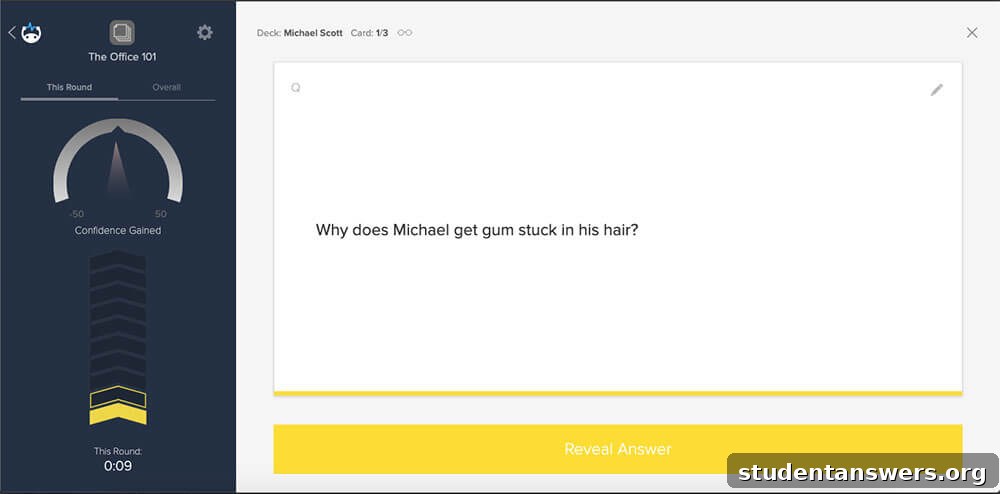
Overview: Brainscape is a clean, user-friendly flashcard app that uses its own version of spaced repetition to help you track your mastery of a subject.
Brainscape presents a more polished and intuitive alternative to Anki while still being grounded in cognitive science. The app is built around a concept called “Confidence-Based Repetition.” To start, you organize your study material into classes, and within those classes, you create decks for specific topics. The card creation process is straightforward, allowing you to easily input questions and answers in a clean, side-by-side format.
Mastery-Focused Learning
When studying a deck, you’ll reveal the answer and then rate your confidence on a scale of 1 (“Not At All”) to 5 (“Perfectly”). The app uses this rating to determine when to show you the card again, focusing on your weaker areas. Brainscape visualizes your progress with a “Mastery” score for each deck, which moves from 0% to 100% as you study. This provides clear, motivating feedback on your learning journey. While the free version is limited to text-only cards, the Pro version unlocks the ability to add images and sounds and access a vast library of expert-curated study sets.
Pros and Cons
- Pros: Modern and intuitive interface, excellent progress tracking features, large library of premium, expert-certified content.
- Cons: The free version is quite limited; adding multimedia to cards and accessing community decks requires a Pro subscription.
Pricing: Free version available. Brainscape Pro starts at $9.99 per month and unlocks unlimited card creation with multimedia and access to all user-generated content.
Platforms: iOS, Android, Web
3. Quizlet: Versatile Study Modes and Massive Library
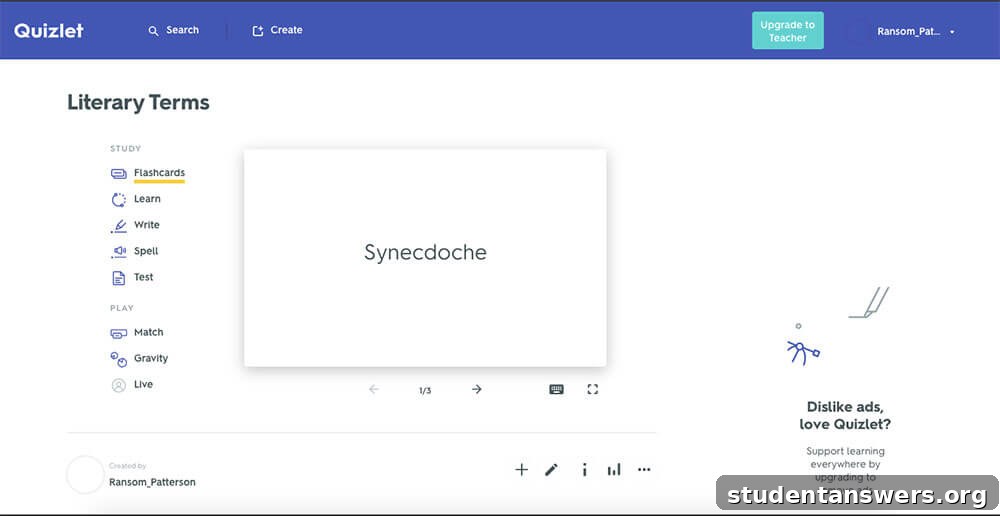
Overview: Quizlet is arguably the most popular flashcard app, known for its simplicity, game-like study modes, and an enormous repository of user-created content.
If you’re looking for a digital experience that closely mimics traditional paper flashcards but with added features, Quizlet is an excellent starting point. Its biggest strength lies in its accessibility and versatility. Creating a study set is incredibly easy; you can add terms, definitions, and images from Quizlet’s extensive library. Where Quizlet truly shines is in its variety of study modes. Beyond the basic “Flashcards” mode, you can use “Learn” for a guided study session, “Test” to generate practice exams, and engaging games like “Match” and “Gravity” to make learning more fun.
A Word of Caution
Quizlet includes a feature that suggests definitions as you type a term. While convenient, we recommend creating definitions in your own words. The act of summarizing and rephrasing information is a critical part of the learning process and greatly enhances comprehension and retention. Relying on pre-written definitions can turn studying into a passive exercise. Despite this, Quizlet’s massive library of existing study sets makes it a fantastic resource for quickly finding material on almost any subject imaginable.
Pros and Cons
- Pros: Extremely easy to use, huge library of over 500 million user-generated study sets, multiple fun and engaging study modes.
- Cons: The free version has ads, and its spaced repetition system is less sophisticated than Anki’s or Brainscape’s. Advanced features require a subscription.
Pricing: Free ad-supported version. Quizlet Plus offers offline access, image uploading, and advanced features for a monthly or annual fee.
Platforms: iOS, Android, Web
4. Cram: Simple and Straightforward Studying
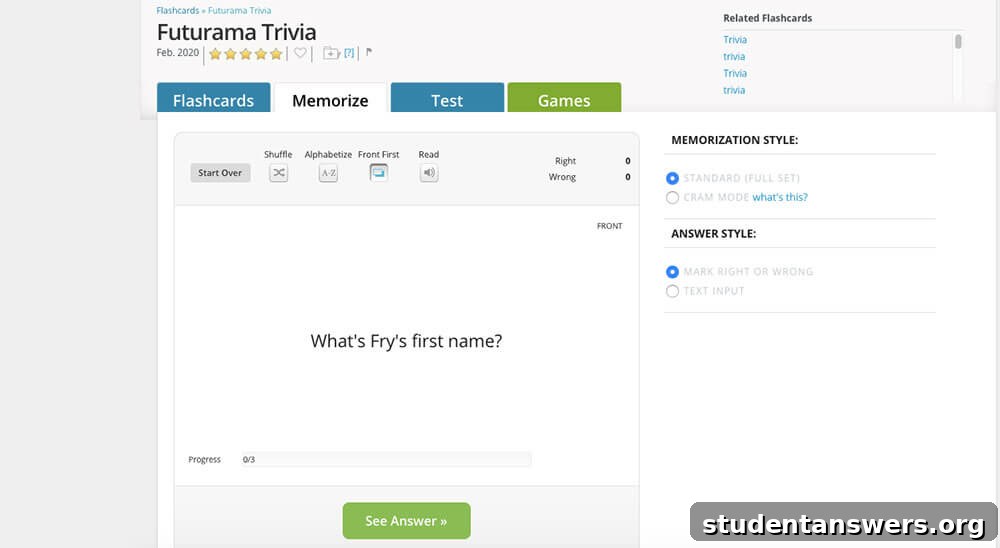
Overview: Cram is a no-frills, web-focused flashcard application that offers a simple creation process and a few unique study modes, including a “Cram Mode” for last-minute reviews.
Cram.com provides a very direct and uncomplicated approach to digital flashcards. You create a card set, add front and back text, and can optionally include images. A unique feature is the ability to add a third “Hint” side to your cards, which can be useful for adding extra context or a memory cue. Once your set is ready, Cram offers several ways to study. The standard “Flashcards” mode lets you flip through your cards and mark them as right or wrong. The app will then re-test you on the cards you missed.
More Than Just Flipping Cards
In addition to the basic mode, you can engage with your material through multiple-choice tests, matching exercises, and even a couple of simple games. While its learning algorithm isn’t as advanced as Anki’s, its “Cram Mode” uses a simplified version of spaced repetition to help you focus on difficult concepts in a single high-intensity session. It’s a great choice for students who need a quick and free tool without a steep learning curve.
Pros and Cons
- Pros: Very simple and easy to use, completely free for core features, unique “Cram Mode” is great for short-term memorization.
- Cons: The interface feels somewhat dated, ads can be distracting, and it lacks the advanced features and robust algorithms of other apps.
Pricing: Free (a premium subscription is available to remove ads and add more formatting options).
Platforms: iOS, Android, Web
5. IDoRecall: Integrated Flashcards and Study Materials
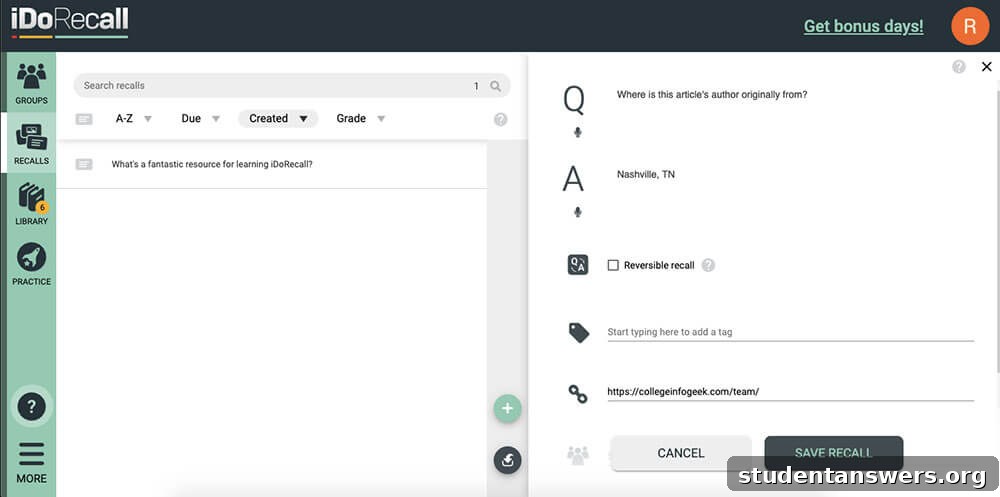
Overview: IDoRecall is an innovative spaced repetition app that allows you to create flashcards that are directly linked to your study materials like PDFs, lecture slides, and videos.
IDoRecall tackles a common problem with flashcards: lack of context. Sometimes when reviewing a card, you forget the broader concept it relates to. This app solves that by integrating your learning materials directly into the flashcard creation process. You can upload PDFs, Word documents, PowerPoint presentations, and even link to YouTube videos. As you read or watch, you can highlight information and instantly turn it into a flashcard. Later, when you’re reviewing that card and get stuck, a single click takes you back to the exact spot in the source material where you created it.
Context is Key
This powerful linking feature helps build stronger, more context-rich memories. IDoRecall uses a spaced repetition algorithm to schedule your reviews, ensuring efficient long-term learning. It also includes features for creating virtual study groups, allowing you to share files and flashcard decks with classmates, making it an excellent tool for collaborative learning.
Pros and Cons
- Pros: Directly links flashcards to source material for better context, supports various file types (PDF, DOCX, PPTX, YouTube), excellent for group study.
- Cons: The free plan is very restrictive. The full feature set requires a relatively expensive subscription, and it’s primarily web-based for now.
Pricing: Free version is limited to 200 cards and 10MB of storage. The paid plan is $16/month or $96/year for unlimited cards and uploads.
Platforms: Web (Desktop apps are in development)
Beyond the App: The Art of Making Great Flashcards
This guide should provide a clear path to choosing the flashcard app that best fits your learning style and budget. However, it’s crucial to remember that the app is just a tool. The most advanced software in the world won’t be effective if the flashcards themselves are poorly made. True learning success comes from mastering the technique of creating effective questions and concise, accurate answers.
To maximize your study sessions, focus on creating cards that test a single, specific piece of information. Always phrase definitions and concepts in your own words to ensure genuine understanding, not just rote memorization. By combining a powerful app with proven study techniques, you can transform your learning process and achieve your academic goals.