

In today’s digital world, the way we manage and store our files has been completely revolutionized. Gone are the days of relying solely on physical hard drives and USB sticks. Cloud-based storage offers a powerful, flexible, and secure alternative, allowing you to access your important documents, cherished photos, and large video files from anywhere, at any time. This shift provides peace of mind, protecting you from the nightmare of a crashed computer, a misplaced device, or the dreaded “disk space full” notification.
However, this technological boom has led to a crowded marketplace. With dozens of cloud storage services vying for your attention, each offering seemingly similar features, choosing the right one can feel overwhelming. How do you decide which platform best suits your specific needs, whether for personal use, school, or business? Which service offers the best value for money? Which one prioritizes security above all else?
To help you navigate this complex landscape, we’ve created this comprehensive guide to the best cloud storage services available today. We’ll break down the features, pricing, and ideal use cases for each leading provider, ensuring you can make an informed decision and find the perfect home for your digital life.
Google Drive: Best Overall Cloud Storage for Most Users
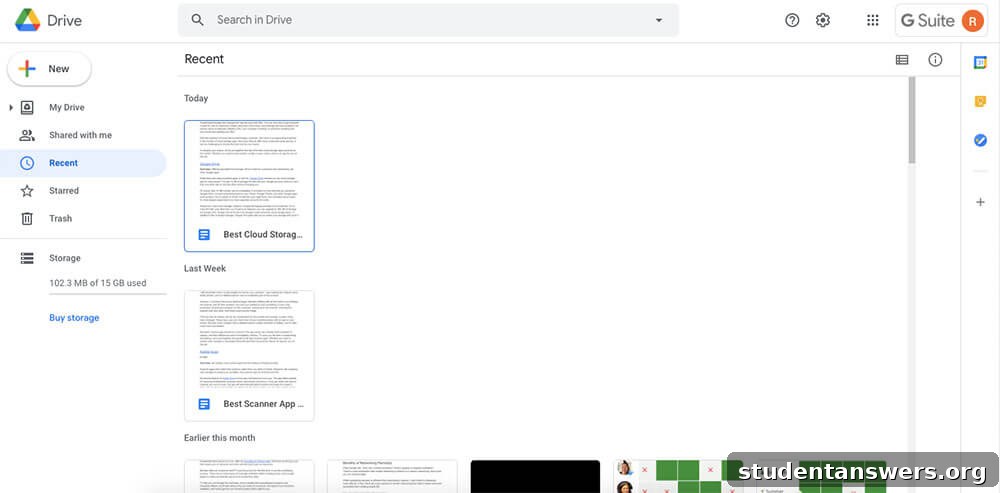
Overview: With a generous free tier and unparalleled integration into a vast ecosystem of apps, Google Drive is the undisputed champion for individuals and teams deeply embedded in the Google universe.
For the average user, Google Drive is often the first and last stop in the search for cloud storage. The primary reason is its incredibly generous free offering: every Google account comes with 15 GB of storage at no cost. This is significantly more than most competitors provide for free, making it a fantastic starting point.
It’s important to understand that this 15 GB is a shared pool of storage. It’s used not only for files you upload to Drive but also for your Gmail messages and attachments, your photos and videos in Google Photos, and documents created in Google Docs, Sheets, and Slides. While this might sound like it would fill up quickly, it’s still a substantial amount for everyday use.
When you do need more space, upgrading is simple and affordable through Google One. The paid plans are competitively priced, starting at just $19.99 per year for 100 GB. Google One isn’t just about more storage; it adds significant value. You can share your storage quota with up to five other family members, and you gain access to exclusive benefits like discounts on the Google Store, special hotel pricing, and direct access to Google experts for 24/7 support.
The true power of Google Drive lies in its seamless integration. The ability to create, edit, and collaborate on documents in real-time directly within your cloud storage is a game-changer for productivity. For businesses, Google Workspace offers even more storage and enterprise-grade features, making it a scalable solution for organizations of all sizes.
Price: Free for up to 15 GB. Paid plans (Google One) start at $19.99/year for 100 GB.
Platforms: Android, iOS, Web, macOS, Windows
Dropbox: Best for Simplicity and Third-Party Integration
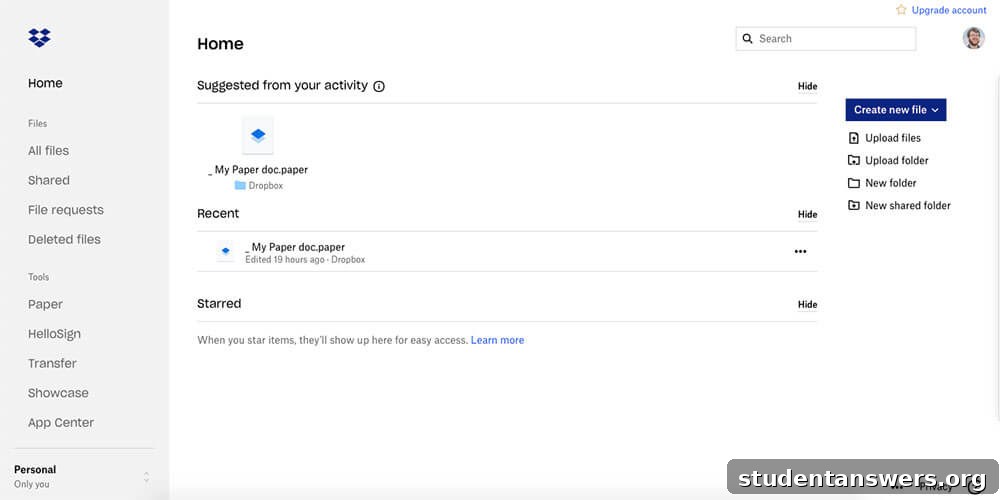
Overview: A pioneer in the cloud storage space, Dropbox continues to excel with its rock-solid reliability, minimalist design, and extensive support for third-party app integrations.
Dropbox earned its reputation by focusing on one thing and doing it exceptionally well: syncing files. While competitors have bundled their storage with other office apps, Dropbox has maintained a laser focus on providing a simple, reliable, and intuitive file storage experience. Its interface is clean and uncluttered, making it easy to find and manage your files without any distractions.
Where Dropbox truly shines is in its ability to connect with almost any other application you can think of. This makes it a favorite among creative professionals, freelancers, and teams that rely on a diverse set of tools. Whether you’re using Slack, Trello, Adobe Creative Cloud, or thousands of other apps, Dropbox likely integrates with it, streamlining your workflow.
Dropbox also offers powerful tools of its own. Dropbox Paper is a collaborative document-editing tool that provides a clean and elegant writing experience, while the integration of HelloSign allows you to securely sign documents digitally. However, the biggest drawback is its free plan, which offers a mere 2 GB of storage. This is quite limited compared to the competition and is often just enough to get a taste of the service. To get a substantial amount of storage, you must jump to a paid plan, which typically starts at 2 TB. While this might be overkill for some individual users, it’s a great option for those who need a large, reliable, and well-connected storage hub.
Price: Free for up to 2 GB. Paid plans start at $9.99/month (billed annually) for 2 TB.
Platforms: Android, iOS, Linux, macOS, Windows, Web
OneDrive: The Essential Choice for Windows and Microsoft 365 Users
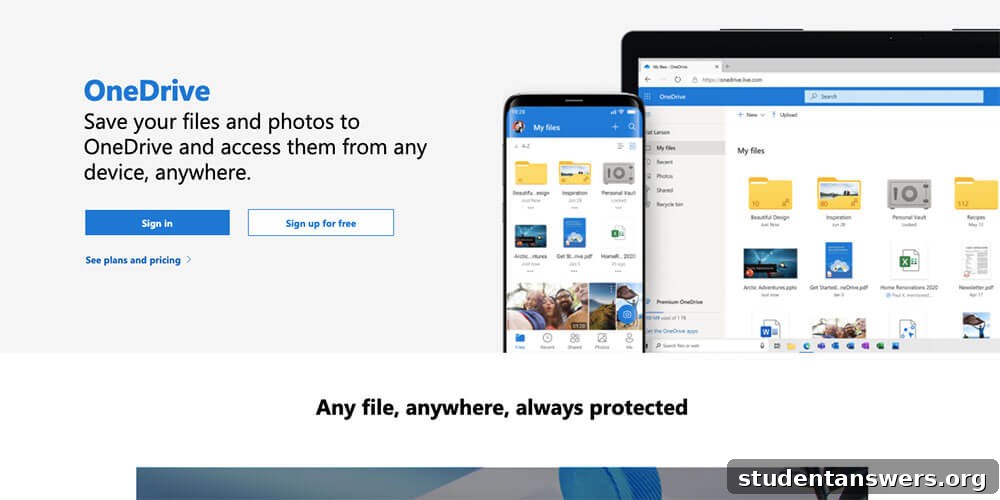
Overview: As Microsoft’s native cloud solution, OneDrive is the perfect choice for anyone who lives and works within the Windows and Microsoft 365 ecosystem.
If your digital life revolves around Windows PCs and Microsoft Office applications like Word, Excel, and PowerPoint, then OneDrive is a natural fit. It’s deeply integrated into the Windows operating system, allowing you to save and sync files as if they were on your local machine. The free plan provides a respectable 5 GB of storage, with a simple upgrade to 100 GB available for a low monthly fee.
However, the real value of OneDrive is unlocked with a Microsoft 365 subscription. A Microsoft 365 Personal plan not only gives you premium access to the full Office suite but also includes a massive 1 TB of OneDrive storage. The Family plan extends this value even further, providing up to 6 TB of total storage (1 TB per person for up to six users). This bundle offers incredible value, essentially giving you a top-tier cloud storage solution alongside world-class productivity software.
OneDrive’s deep integration allows for seamless real-time collaboration on Office documents. Furthermore, features like Personal Vault provide an extra layer of security for your most sensitive files by requiring a second step of identity verification to access. While OneDrive has apps for all major platforms, its full potential is realized within the Microsoft ecosystem. If you’re not a heavy user of Microsoft products, other services might offer a more platform-agnostic experience.
Price: Free for up to 5 GB. Paid plans start at $1.99/month for 100 GB, or get 1 TB included with a Microsoft 365 subscription.
Platforms: Android, iOS, macOS, Windows, Web
Sync.com: Best for Ultimate Security and Privacy
Overview: For users who prioritize security and data privacy above all else, Sync.com offers end-to-end encryption in a user-friendly package.
In an age of data breaches and growing privacy concerns, Sync.com has carved out a niche by focusing on one key feature: zero-knowledge, end-to-end encryption. In simple terms, this means that your files are encrypted on your device *before* they are uploaded to Sync’s servers. Only you hold the encryption key. This ensures that no one—not even employees at Sync.com—can access or read your data. This level of security is a major differentiator from most mainstream providers.
Sync.com’s free plan offers 5 GB of storage, which is a solid starting point. Its paid plans are also competitively priced, offering excellent value for the advanced security you receive. Beyond encryption, Sync.com provides robust file-sharing controls, allowing you to set passwords, expiry dates, and download limits on shared links. It also complies with major global privacy regulations, including HIPAA, GDPR, and PIPEDA, making it an excellent choice for businesses and professionals who handle sensitive information in fields like healthcare, law, or finance.
While its interface is clean and functional, it may not be as polished as Dropbox or Google Drive, but for users who need a secure vault for their most important files, Sync.com is an outstanding choice.
Price: Free for up to 5 GB. Paid plans start at $8/month for 2 TB.
Platforms: Android, iOS, macOS, Windows, Web
IDrive: The Ultimate Bulk Storage at an Unbeatable Price
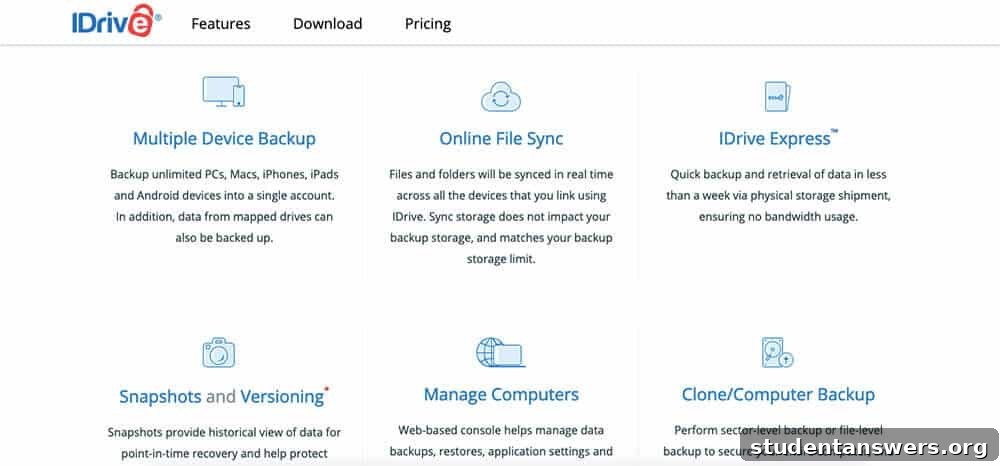
Overview: If your primary goal is to get the maximum amount of storage for the lowest possible price, IDrive is almost impossible to beat.
While many services focus on collaboration and app integration, IDrive distinguishes itself with a different proposition: incredible storage value. For users who need to archive vast amounts of data—such as photographers with massive RAW photo libraries, videographers with 4K footage, or anyone wanting to back up multiple computers—IDrive offers plans that are far more cost-effective than the competition.
You can get a staggering 5 TB of storage for an incredibly low annual price, with 10 TB plans also available at a fraction of what other services would charge. But IDrive is more than just cheap storage; it’s also a comprehensive backup solution. Unlike other services that mainly sync a specific folder, IDrive allows you to back up your entire computer, including external hard drives and network drives. It supports unlimited devices on a single account, making it a one-stop solution for protecting all your digital assets.
Features like block-level syncing (which only uploads the changed parts of files) make backups fast and efficient. For initial large backups, IDrive even offers a physical shipment service (IDrive Express) where they send you a hard drive to load your data onto, saving you from days of uploading. For pure, high-volume storage and backup, IDrive’s value is unmatched.
Price: Free for up to 10 GB. Paid plans start at a promotional rate of around $69.50/year for 5 TB.
Platforms: Android, iOS, Linux, macOS, Windows, Web
pCloud: Best for Lifetime Storage with a One-Time Payment
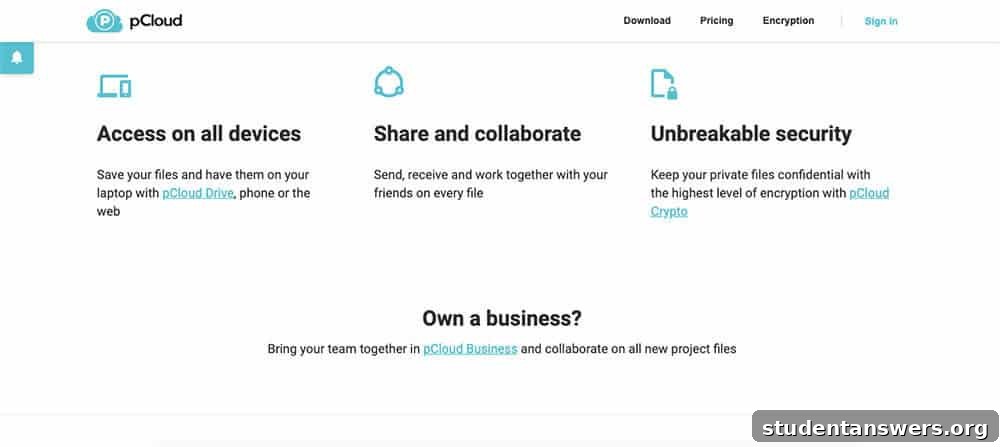
Overview: Breaking away from the subscription model, pCloud offers lifetime storage plans, allowing you to pay once and own your cloud storage forever.
In a world dominated by recurring monthly and yearly fees, pCloud offers a refreshing alternative. Its standout feature is the option to purchase a lifetime storage plan. With a single payment, you can secure 500 GB or 2 TB of cloud storage that is yours to use for life. Over the long term, this can result in significant savings compared to paying a subscription fee year after year. For those who dislike the subscription model, this is a compelling offer.
Beyond its unique pricing, pCloud is a capable and feature-rich service. It has a particular strength in handling media files, with a sleek, built-in audio and video player that lets you stream your content directly from the cloud. pCloud also offers an optional add-on called pCloud Crypto, which provides client-side, zero-knowledge encryption for your most private files, similar to the security offered by Sync.com.
Another handy feature is its ability to back up data from other services like Dropbox, Google Drive, and OneDrive, allowing you to consolidate your files in one place. If you’re looking for a long-term storage solution without the commitment of a recurring payment, pCloud is an excellent and unique choice.
Price: Free for up to 10 GB. Paid plans offer annual subscriptions, or purchase a Lifetime plan starting at $175 for 500 GB.
Platforms: Android, iOS, Linux, macOS, Windows, Web
iCloud Drive: The Seamless Solution for Apple Devotees
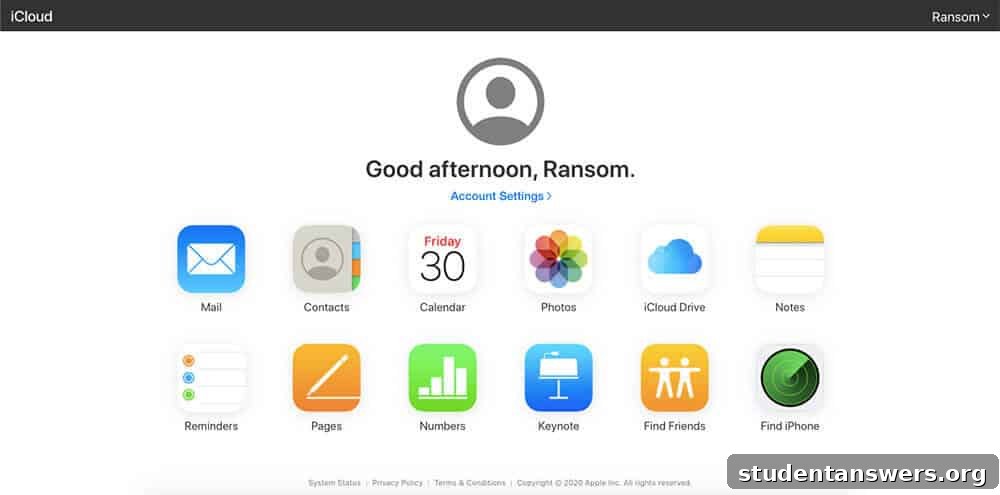
Overview: Perfectly integrated into Apple’s ecosystem, iCloud Drive is the default and most convenient cloud storage option for users of iPhones, iPads, and Macs.
If you own Apple devices, you’re already using iCloud, even if you don’t realize it. It’s the magic that syncs your contacts, calendars, photos, and device settings across all your Apple products. iCloud Drive is the file storage component of this service, acting as a centralized hub for all your documents and data.
Every Apple ID comes with 5 GB of free storage. While this can fill up quickly with device backups and photos, upgrading is very affordable. Plans start at just $0.99/month for 50 GB, making it one of the most budget-friendly options for expanding your storage. The key benefit of iCloud Drive is its deep, OS-level integration. It can automatically sync the Desktop and Documents folders from your Mac, making your important files available on your iPhone or iPad without any manual effort. It works so seamlessly in the background that it often feels like an extension of your device’s local storage.
While there is an iCloud client for Windows and a web interface, the experience is not nearly as smooth as it is on Apple hardware. Therefore, iCloud Drive is best suited for users who are fully committed to the Apple ecosystem. For them, its convenience and ease of use are second to none.
Price: Free for up to 5 GB. Paid plans start at $0.99/month for 50 GB.
Platforms: iOS, macOS, Windows, Web
Keep Your Files Safe and Accessible
Choosing the right cloud storage service is a crucial step in organizing and protecting your digital life. Whether you need the massive, shared storage of Google Drive, the ironclad security of Sync.com, the unbeatable bulk value of IDrive, or the seamless Apple integration of iCloud, there is a perfect solution waiting for you. By evaluating your primary devices, storage needs, and budget, you can confidently select a service that will keep your files safe, synced, and accessible from anywhere in the world.