
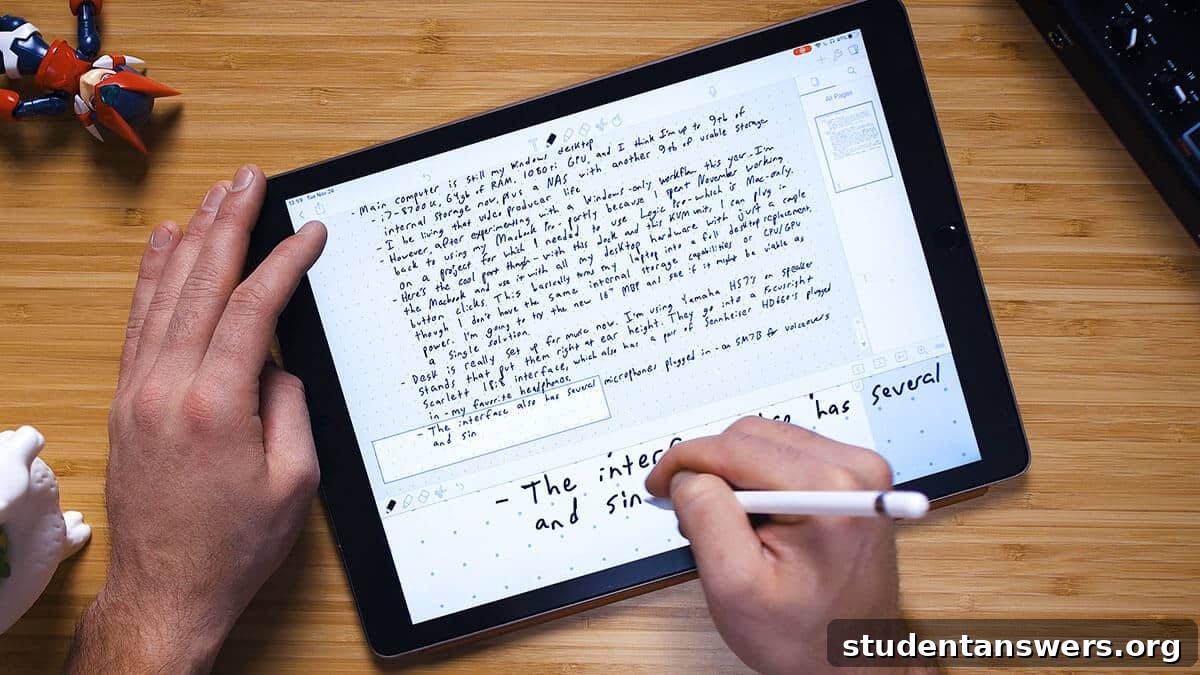
Do you cherish the classic feel of pen on paper but rely on the powerful organization of digital apps for your notes? You’re not alone. For a long time, the best solution was a clumsy compromise: writing notes by hand, then scanning them into a digital archive like Evernote. It worked, but it was far from seamless.
Fortunately, technology has caught up. The experience of taking handwritten notes on an iPad has evolved dramatically, finally offering a method that merges the tactile pleasure of handwriting with the unparalleled convenience of digital organization. The magic lies in combining the right tools: a high-quality stylus like the Apple Pencil, a matte screen protector that mimics the texture of paper, and, most crucially, the perfect note-taking application.
In this comprehensive guide, we’ll explore the six best note-taking apps available for the iPad. Each of these applications provides a unique set of features designed to enhance your productivity and creativity. With a little practice, you can harness all the cognitive benefits of writing by hand without ever sacrificing the searchability, syncing, and storage capabilities of a digital workflow.
Note: While all the apps listed below are compatible with both the iPad Pro and standard iPad models, the larger screen real estate of the Pro models generally offers a more comfortable and expansive note-taking canvas.
1. Notability
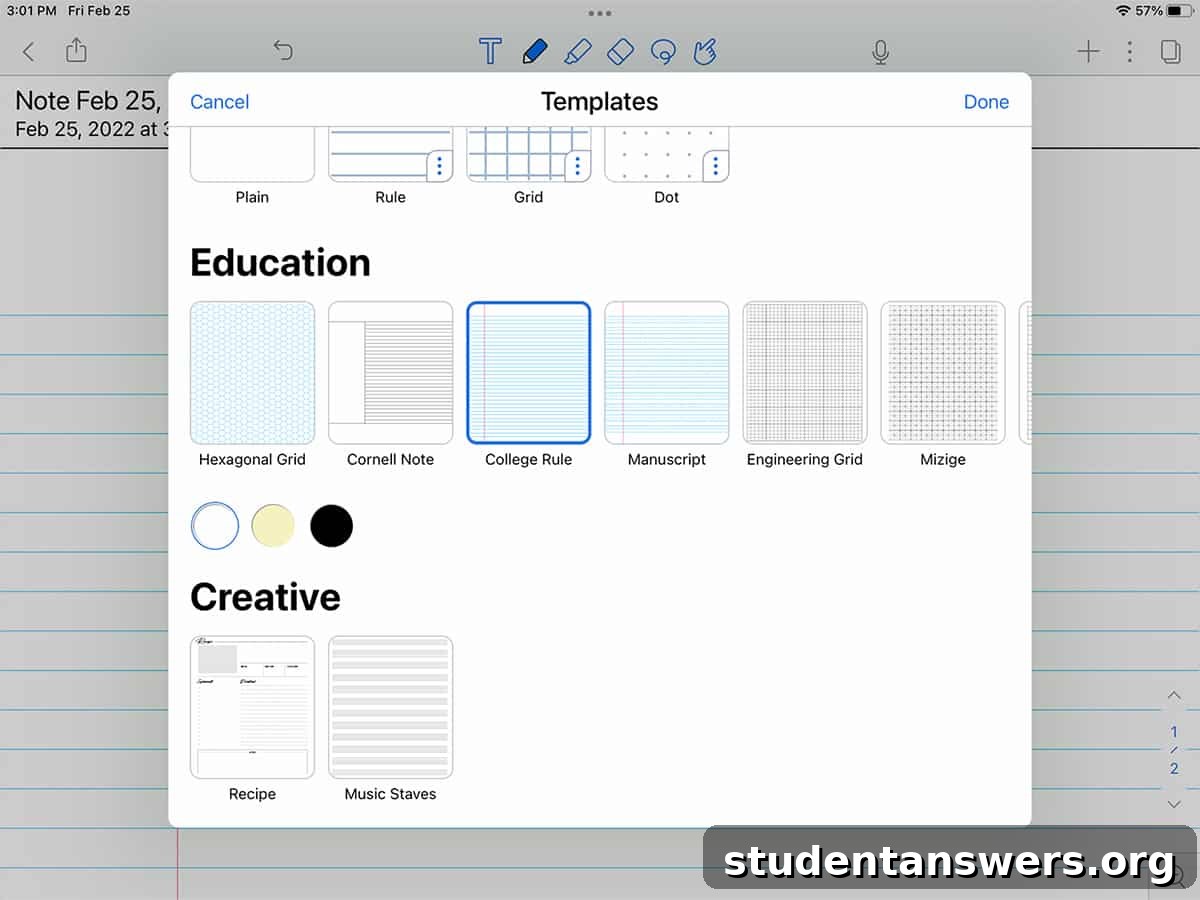
If there’s one app that consistently tops the charts and earns rave reviews, it’s Notability. It strikes an exceptional balance between a fluid, responsive writing experience and a robust set of powerful features. The app makes it incredibly simple to write, draw, embed images, annotate PDF documents, and even record audio that syncs with your written notes.
One of Notability’s standout features is its audio recording capability. Imagine sitting in a lecture and jotting down key points. When you play back the audio later, you can tap on a word you wrote, and the app will jump to the exact moment in the recording when you wrote it. This is a game-changer for students and professionals who need to review meetings or classes in detail.
Sketching and diagramming in Notability feel natural and intuitive. The ability to quickly doodle concepts, create mind maps, or illustrate ideas is a key advantage of paper notebooks, and Notability replicates this experience beautifully. Plus, you get digital perks like being able to resize, rotate, and move your drawings anywhere on the page. The app also offers flexible layout options, allowing you to work in a split-screen view with a PDF or webpage on one side and your notes on the other.
For organization, Notability uses a system of Subjects and Dividers, which closely mimics the structure of a physical binder with different sections. This makes it easy to keep your notes for various classes or projects neatly separated. When you’re ready to share, the app provides extensive export options, including Google Drive, Dropbox, AirDrop, and more, ensuring your notes are always accessible.
Price: Free (with limitations). The premium version is available via an annual subscription of $11.99 / year.
2. Noteshelf
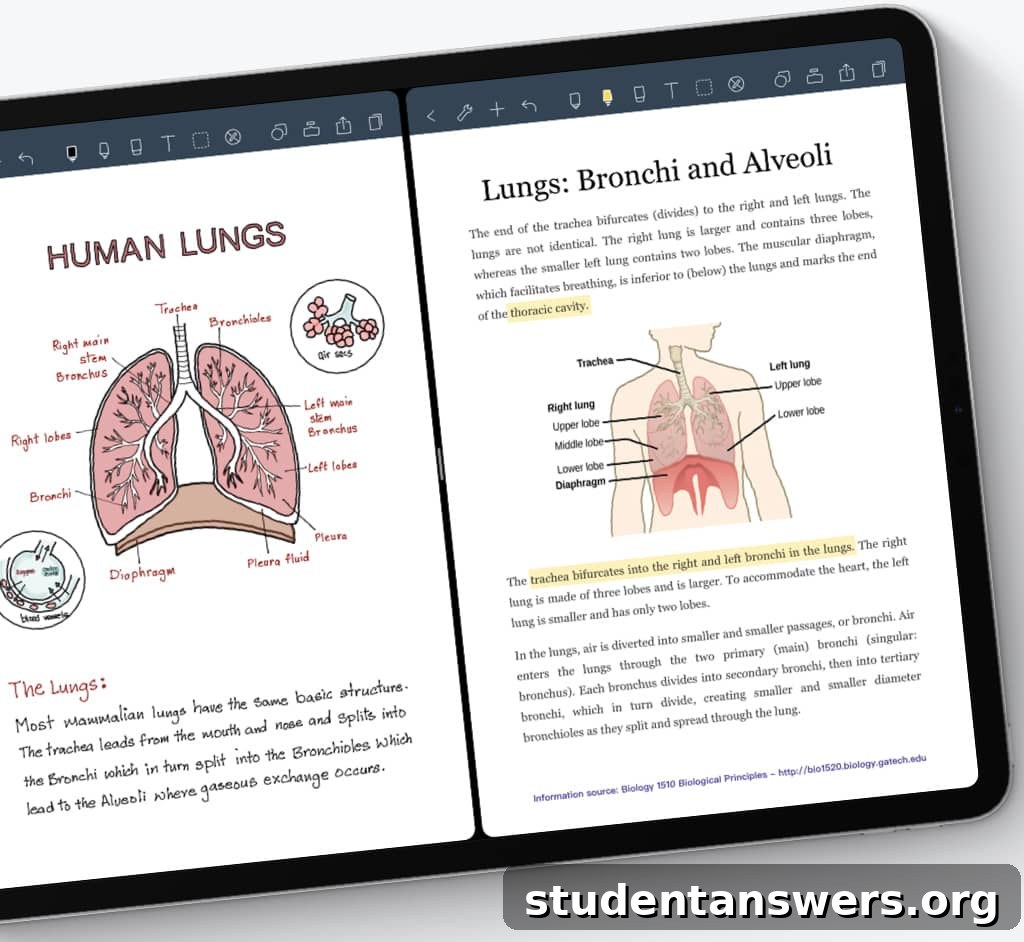
Before Notability’s rise, Noteshelf was a long-standing favorite, and it remains a superb and polished option for digital note-takers. It delivers a premium writing experience with a strong emphasis on customization and aesthetics, allowing you to choose from a vast library of notebook covers and paper templates.
Noteshelf shares many of the core features that make Notability great, such as seamless PDF annotation, multitasking with iPad’s split-screen mode, and audio recording. Its handwriting recognition is particularly impressive, supporting an incredible 65 different languages. This makes it an invaluable tool for language learners or multilingual professionals who need to search their handwritten notes in various languages.
A key advantage for long-time digital organizers is Noteshelf’s direct integration with Evernote. While many apps can export a PDF to Evernote, Noteshelf’s connection is more seamless, making it the top choice for anyone deeply embedded in the Evernote ecosystem. Furthermore, for Apple Watch users, Noteshelf offers a companion app that allows you to record voice notes directly from your wrist, which then sync to your main app for easy access.
The overall feel of the app is one of elegance and control, offering a highly personalized and visually pleasing environment for capturing your thoughts and ideas.
Price: $9.99 (one-time purchase).
3. GoodNotes
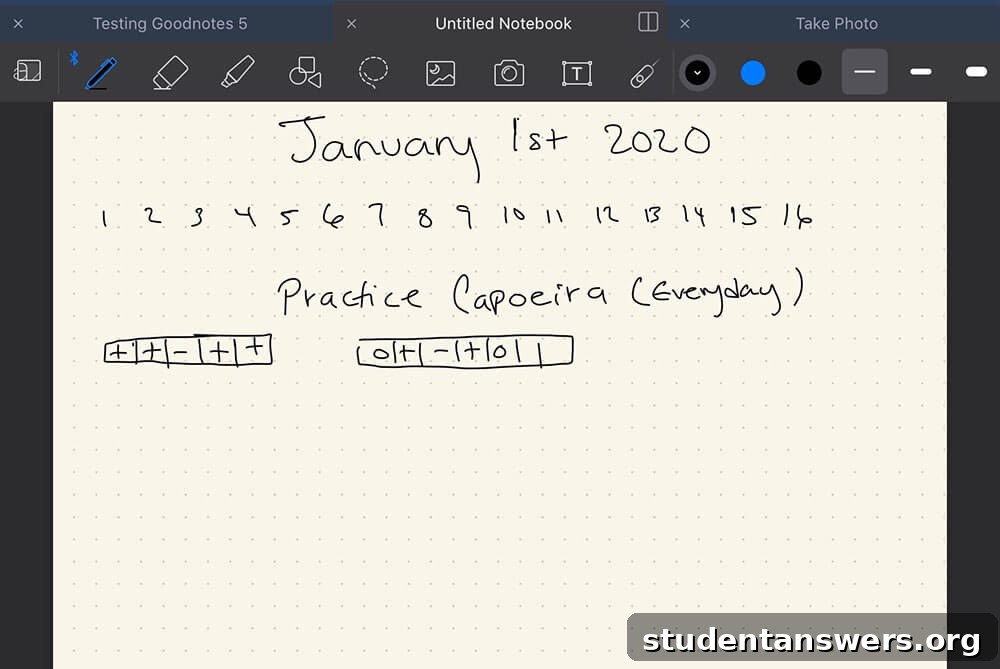
In the world of iPad note-taking, the debate often boils down to Notability versus GoodNotes. GoodNotes is an incredibly powerful application that excels in organization and document management. It provides a comprehensive toolset for both handwritten and typed notes, all housed within a robust and intuitive interface.
Where GoodNotes truly shines is its organizational structure. It allows you to create an infinite hierarchy of folders and notebooks, giving you granular control over how you structure your information. This is ideal for users managing complex projects or multiple years of academic notes. The app’s optical character recognition (OCR) is also top-notch, allowing you to search your entire library of handwritten notes with surprising accuracy.
GoodNotes also offers extensive customization. You can choose from a large selection of built-in paper templates (lined, grid, Cornell, planners, and more) or import your own custom templates. The pen tools are highly adjustable, letting you fine-tune pressure sensitivity and palm rejection to perfectly match your unique writing style. A unique feature is the “Elements” tool, which allows you to save frequently used items—like diagrams, stickers, or formulas—and easily add them to any note with a simple tap.
For presenters and educators, the “Presentation Mode” is a killer feature. It lets you use your iPad as a digital whiteboard, projecting your notes onto a larger screen via AirPlay or HDMI while your iPad screen displays the full GoodNotes interface with all your tools visible.
Price: Free (limited to three notebooks). A one-time purchase of $7.99 unlocks unlimited notebooks and advanced features like handwriting recognition.
4. Apple Notes
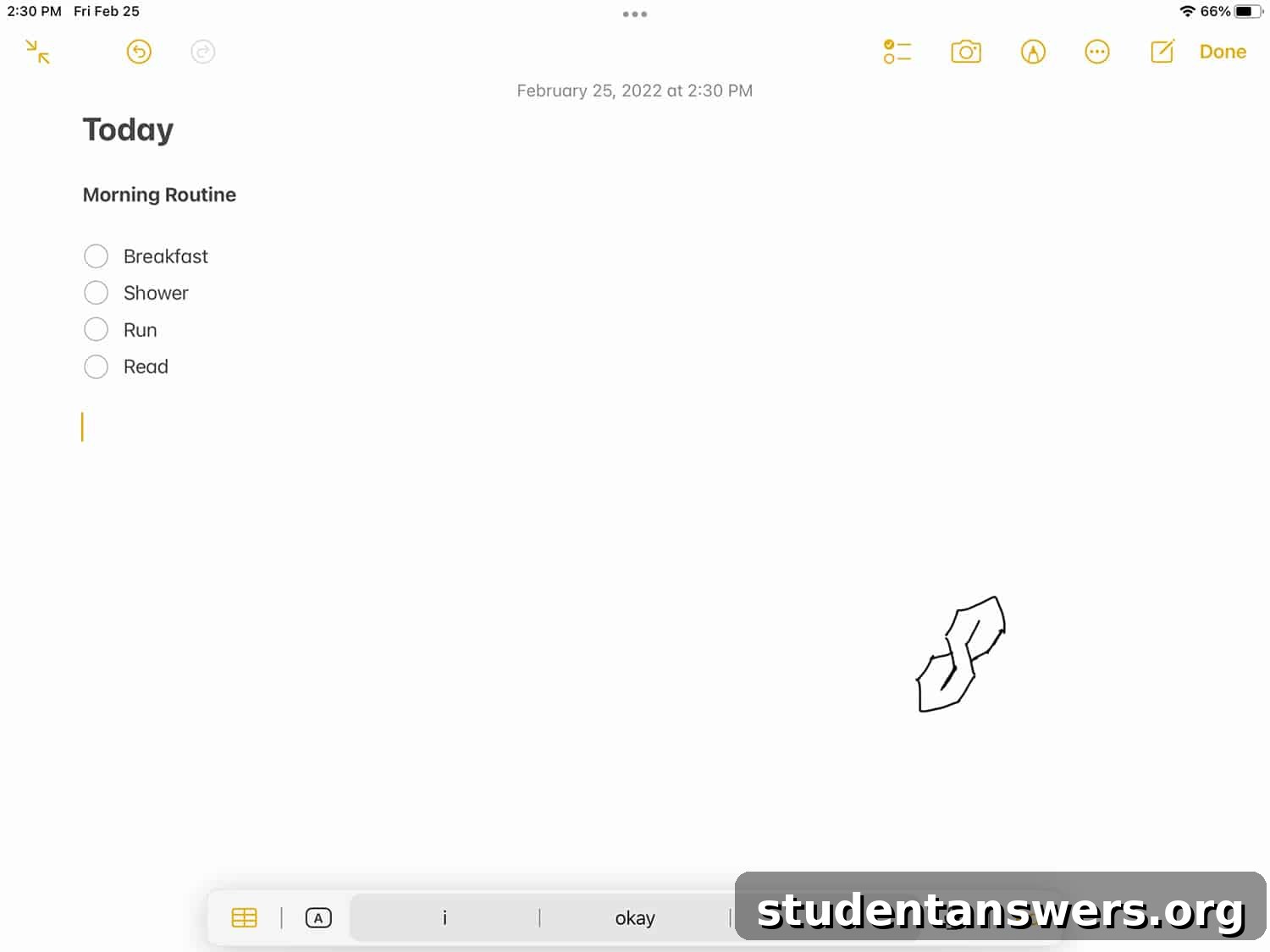
No list of iPad apps would be complete without mentioning Apple’s own Notes app. Pre-installed on every iPad, iPhone, and Mac, Apple Notes has evolved from a simple text-capture tool into a surprisingly capable note-taking application. Its greatest strength is its perfect, seamless integration into the Apple ecosystem.
If you’re an all-Apple user, the convenience is unmatched. Any note you create on your iPad is instantly and reliably synced via iCloud to your iPhone and Mac. The app supports both typed text and handwritten notes using the Apple Pencil. The drawing and sketching tools are solid, offering a variety of pens, markers, and colors, making it easy to add quick illustrations or diagrams to your thoughts.
Beyond the basics, Apple Notes includes powerful features like document scanning, the ability to add checklists, create tables, and collaborate on notes with other Apple users in real-time. You can organize your notes into folders and even create “Smart Folders” that automatically group notes based on tags or other criteria. While it may lack the advanced PDF annotation and template options of its paid competitors, its simplicity, reliability, and cost—or lack thereof—make it an excellent starting point for any iPad user.
Price: Free.
5. Notion
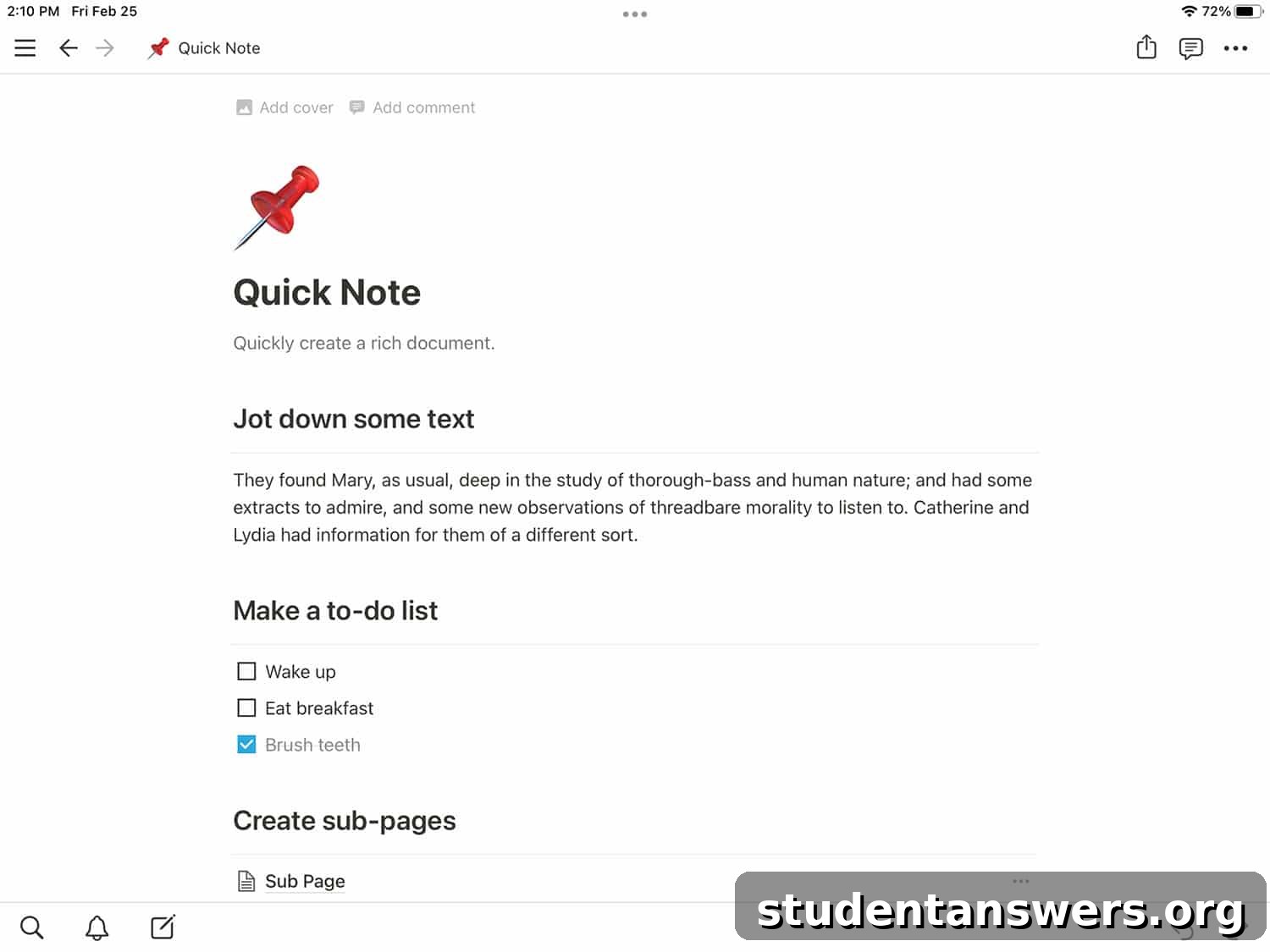
It’s important to clarify that Notion is different from every other app on this list. It is not designed for handwritten notes. However, it is arguably the most powerful and flexible *digital organization* tool available today, and it had to be included. Notion is less of a note-taking app and more of an all-in-one workspace for your entire life.
At its core, Notion is built on the concept of “blocks.” A block can be anything: a piece of text, an image, a checklist, a bullet point, or even an entire database. You can arrange these blocks in any way you like on a page, creating documents that are far more dynamic than a standard word processor file. Where it becomes truly powerful is with its database functionality. You can create interconnected tables, Kanban boards, calendars, and galleries to manage projects, track habits, or build a personal knowledge base.
Any page you create in Notion can be nested inside another page, allowing you to build deep, wiki-style hierarchies of information. You can link between pages, embed web content, and collaborate with others. For students, it can be a central hub for all class notes, assignments, and schedules. For professionals, it can manage complex projects from start to finish. While you’ll be typing instead of writing, Notion’s sheer power for organizing information is unmatched.
Price: Free for personal use. Paid team plans are also available.
Notion stands out as one of the most flexible and powerful applications for organization. It can serve as your primary note-taking app, but it also features robust databases with multiple views (including Kanban boards and calendars), powerful templating features, and excellent collaboration tools. It can be used for everything from team documentation to managing personal creative projects.
6. Microsoft OneNote
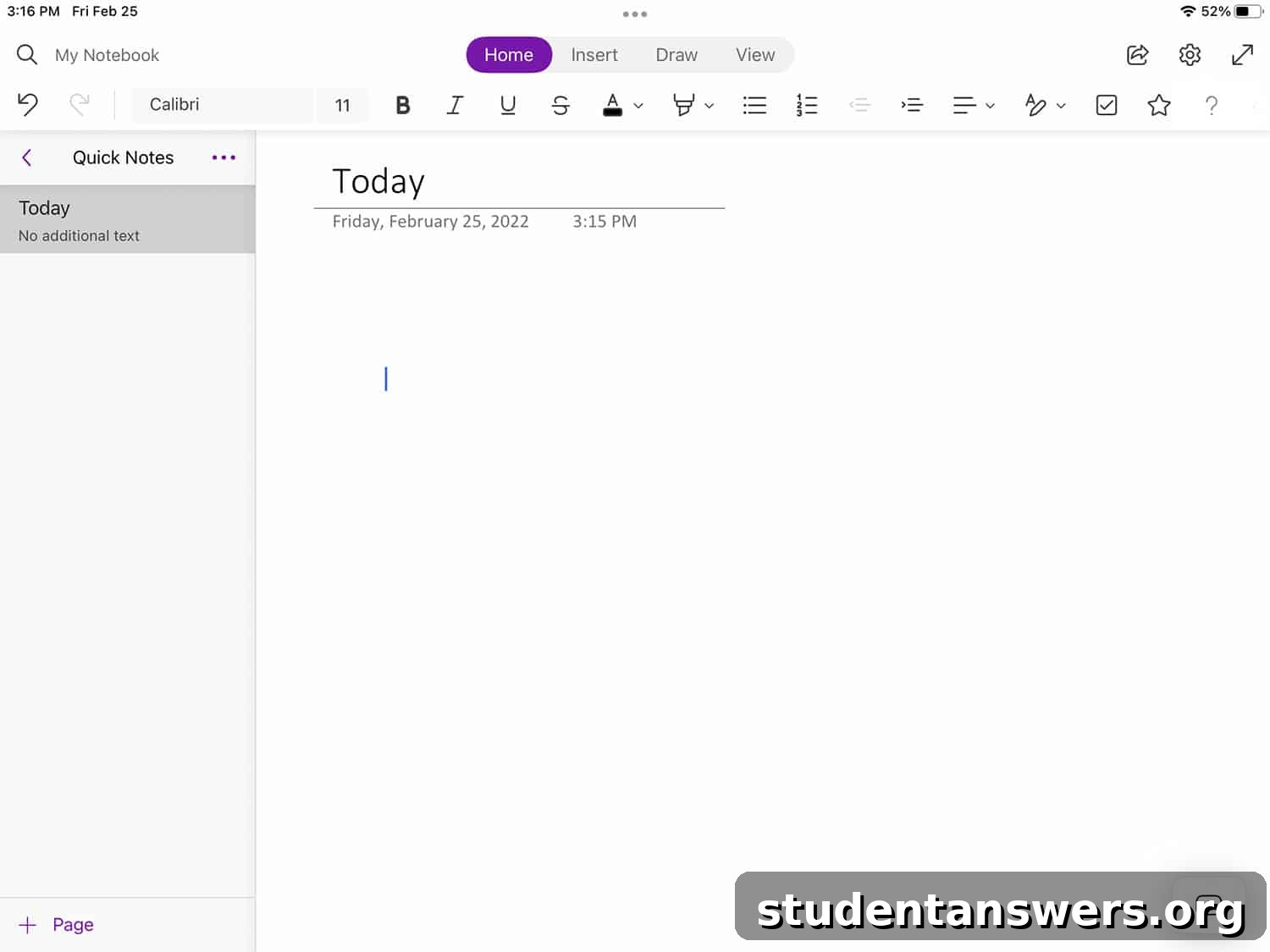
If you live and work within the Microsoft ecosystem, there’s a good chance you already have access to Microsoft OneNote. This veteran note-taking app is a free and surprisingly powerful contender on the iPad, offering excellent handwriting support and a unique organizational structure.
OneNote’s standout feature is its “infinite canvas.” Unlike other apps that confine you to the dimensions of a digital page, OneNote lets you write, draw, and type anywhere you want on a virtually endless workspace. This freeform approach is fantastic for brainstorming sessions, mind mapping, and non-linear thinking. The app’s organization mimics a physical binder, with Notebooks, Sections, and Pages to keep your information structured.
As a Microsoft product, its integration with the rest of the Office suite is seamless. You can easily embed Word documents, Excel spreadsheets, and other files directly into your notes. It also boasts excellent cross-platform support, with full-featured apps for Windows, macOS, Android, and the web, ensuring you can access and edit your notes from any device. Everything you create is automatically synced to your OneDrive account. With a rich feature set that includes typed text, drawing tools, audio recordings, and a powerful search, OneNote is a formidable and completely free option.
Price: Free (with a Microsoft Account).
Start Taking Better Notes on Your iPad Today
This guide highlights the incredible variety and power available for taking notes on your iPad. It’s now entirely possible to capture the cognitive benefits and personal touch of handwriting without giving up the powerful search, sync, and organizational features of digital applications. Whether you’re a student preparing for exams, a professional organizing a big project, or a creative mind capturing inspiration, there is an app perfectly suited to your needs.
The best way to find your perfect fit is to experiment. Many of these apps offer free versions or trials, so don’t hesitate to download a few and see which one clicks with your personal workflow. Transforming your note-taking process begins with choosing the right tool, and with these options, you’re well on your way to a more organized and productive life.