

To make any meaningful change in your life, you first need a clear picture of your starting point. If you want to cut down on screen time, you must first understand how you’re currently using your phone. Similarly, to focus on your most important work, you have to identify and eliminate the trivial tasks that consume your day.
The most effective way to gain this clarity is by using a time tracking app. It provides an accurate, data-driven representation of where your minutes and hours truly go, allowing you to align your actions with your goals.
Why You Should Use a Time Tracking App to Boost Productivity
“What gets measured gets managed.” — Peter Drucker
Time tracking is more than just logging hours; it’s about understanding your personal productivity patterns. A good time tracking app reveals your peak performance times—those periods when you’re most focused, motivated, and energetic. By scheduling your most demanding tasks during these “on” times, you can accomplish significantly more than if you force yourself to work when your energy is low.
While you could manually track your time and energy on a spreadsheet, like management expert Jim Collins, or use a physical productivity planner or bullet journal, these methods require constant discipline. It’s easy to forget to check the clock or update a log in the middle of a complex task. This is where technology offers a seamless solution.
Digital time tracking apps work quietly in the background, providing valuable insights without demanding your constant attention. We’ve compiled this list of the best time tracking apps available today to help you take control of your time, whether you’re a student aiming for better grades or a professional striving for greater efficiency.
The 6 Best Time Tracking Apps in 2024
Here are our top picks for the best applications to help you monitor, manage, and master your time.
1. Forest: Gamify Your Focus
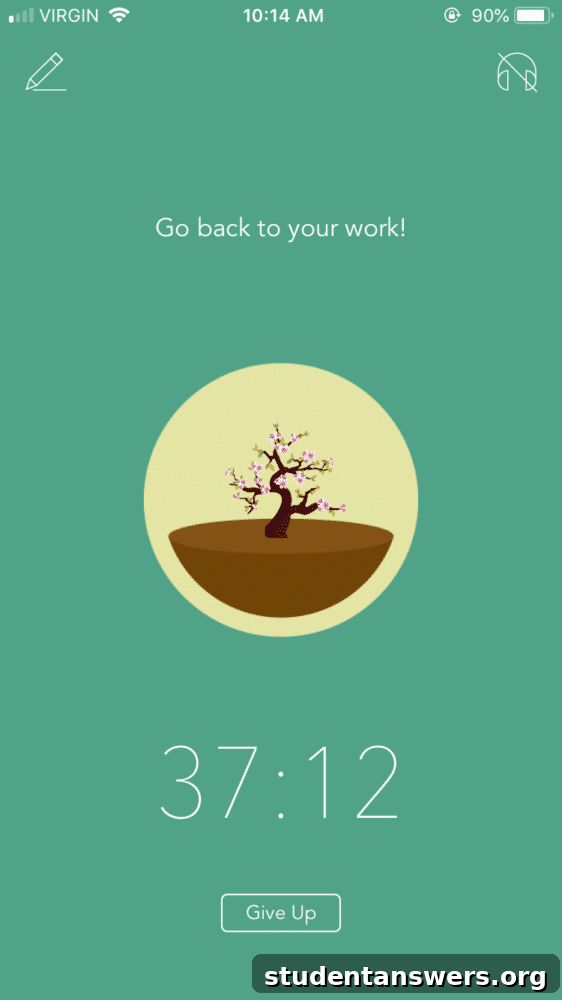
Overview: Forest is a unique app that uses gamification to make staying focused more engaging and rewarding. It’s built around the Pomodoro Technique, encouraging you to work in focused bursts.
How It Works: When you want to concentrate, you plant a virtual tree in the app. This tree grows as long as you stay focused on your task and avoid using your phone. If you leave the app to browse social media or get distracted, your tree withers and dies. Each successful focus session adds a healthy tree to your digital forest, creating a visual representation of your productive work.
Key Features:
- Gamified Pomodoro Timer: The core feature turns focus into a game, making it more enjoyable to avoid distractions.
- Virtual Currency: Completing focus sessions earns you gold coins, which you can use to unlock new tree species and customize your virtual forest.
- Real-World Impact: In a unique twist, you can spend your virtual coins to have the Forest team plant real trees on your behalf, connecting your personal productivity to a positive environmental impact.
- Screen Time Tracking: The app also includes features to track your screen time and tag your focus blocks, providing reports on how you allocate your time.
Price:
- $2 on iOS
- Free on Android (with an optional paid tier for advanced features)
Platforms: iOS, Android, Chrome Extension
Best For: Students and individuals who need a strong, visual incentive to stay off their phones and focus on a single task.
2. RescueTime: The Automatic Time-Tracking Analyst
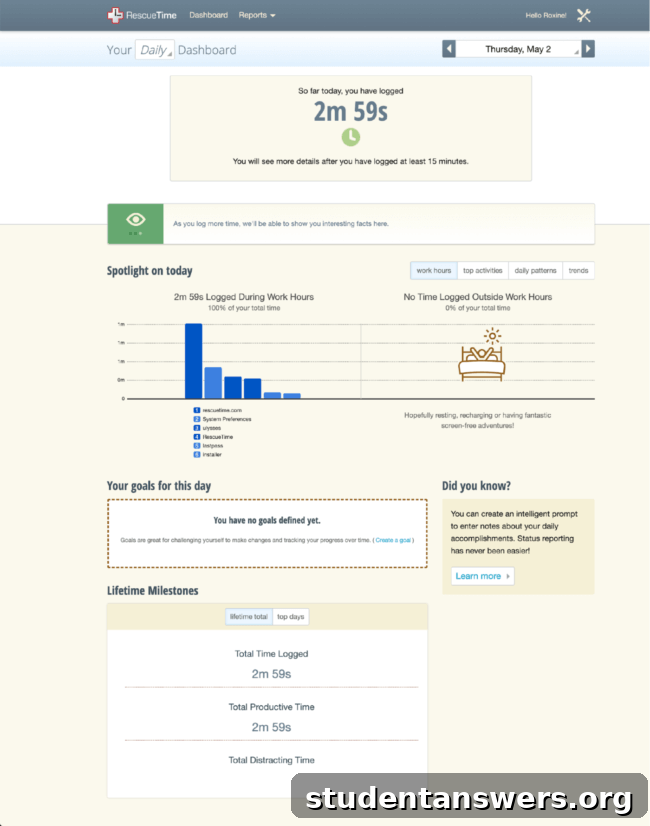
Overview: RescueTime is the gold standard for automatic time tracking. It runs silently in the background on your computer and mobile devices, categorizing your activity without any manual input.
How It Works: Once installed, RescueTime monitors the applications and websites you use, automatically sorting them into categories like “Productive,” “Neutral,” and “Distracting.” It then generates detailed reports, dashboards, and a daily Productivity Score, giving you a clear, unbiased look at your digital habits.
Key Features:
- Automatic Tracking: Its “set it and forget it” nature means you get accurate data without the hassle of starting and stopping timers.
- Detailed Reporting: Provides in-depth analytics on where your time goes, helping you identify your biggest time sinks.
- FocusTime: A powerful feature that allows you to block distracting websites and apps for a set period, forcing you to concentrate on the task at hand.
- Goal Setting: You can set goals, such as “spend less than one hour on social media,” and the app will track your progress.
Price: Free (with a premium tier starting at $6/month for features like FocusTime and more detailed reports).
Platforms: Mac, Windows, Linux, Android, iOS
Best For: Anyone who wants a data-driven approach to productivity and needs an effortless way to understand their digital habits without manual tracking.
3. Toggl Track: Simple and Powerful Manual Tracking
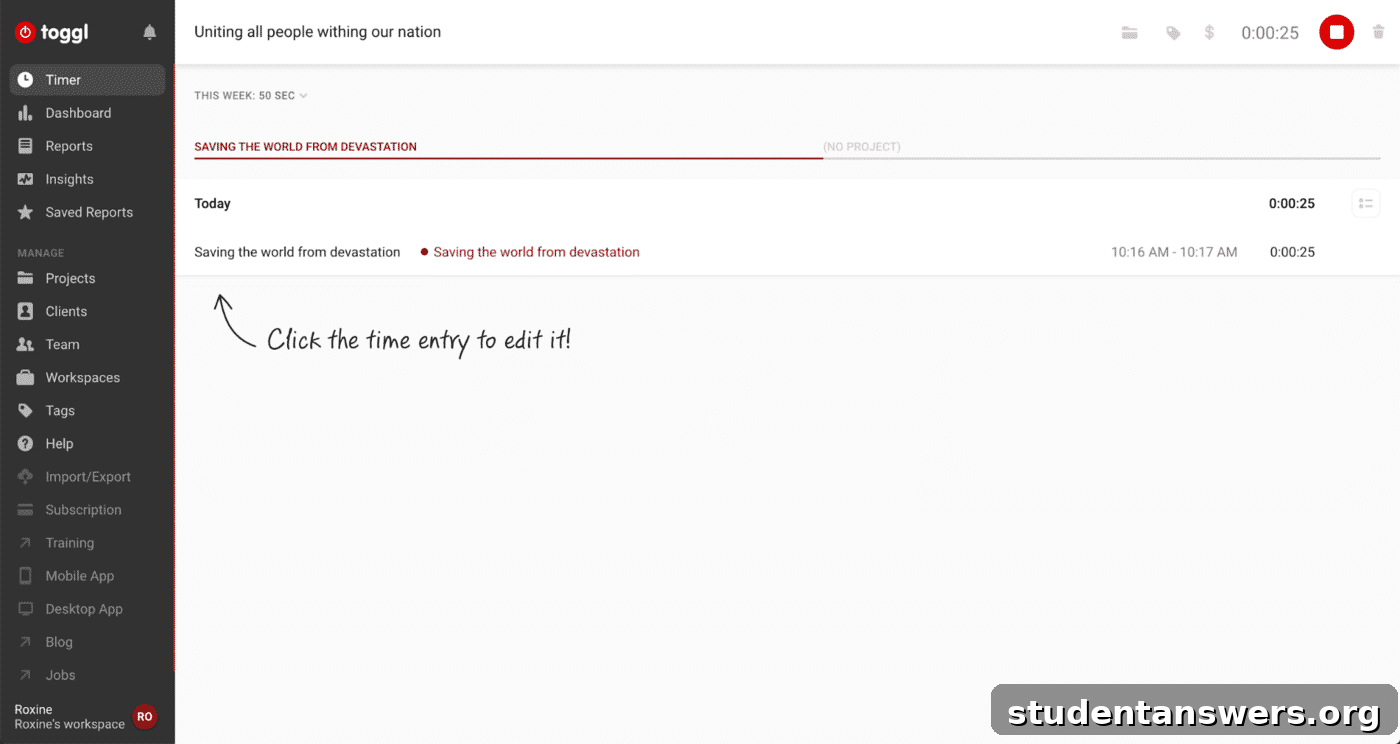
Overview: Toggl Track is a beautifully simple yet powerful time tracker designed for freelancers, teams, and individuals who prefer manual control over their time logs.
How It Works: Using Toggl is as easy as clicking a “Start” button. You name your task, assign it to a project, and let the timer run. When you’re done or switch tasks, you simply stop it. This manual approach makes you more mindful of how you’re transitioning between activities.
Key Features:
- One-Click Time Tracking: The interface is clean and intuitive, making it incredibly easy to start and stop tracking.
- Cross-Platform Sync: Your timer and time logs sync seamlessly across all your devices, including desktop, web, and mobile.
- Integrations: Toggl integrates with over 100 popular apps like Asana, Trello, and Jira, allowing you to track time directly within your existing workflow.
- Pomodoro Timer: The Chrome extension includes a built-in Pomodoro timer to help you maintain focus during work sessions.
Price: Free (with paid tiers starting at $9/month for advanced team and reporting features).
Platforms: Android, iOS, Windows, Mac, Linux, Chrome Extension
Best For: Freelancers, students, and professionals who need to track time for specific projects and prefer a manual, intentional approach to time logging.
4. Clockify: The Free Toggl Alternative for Teams
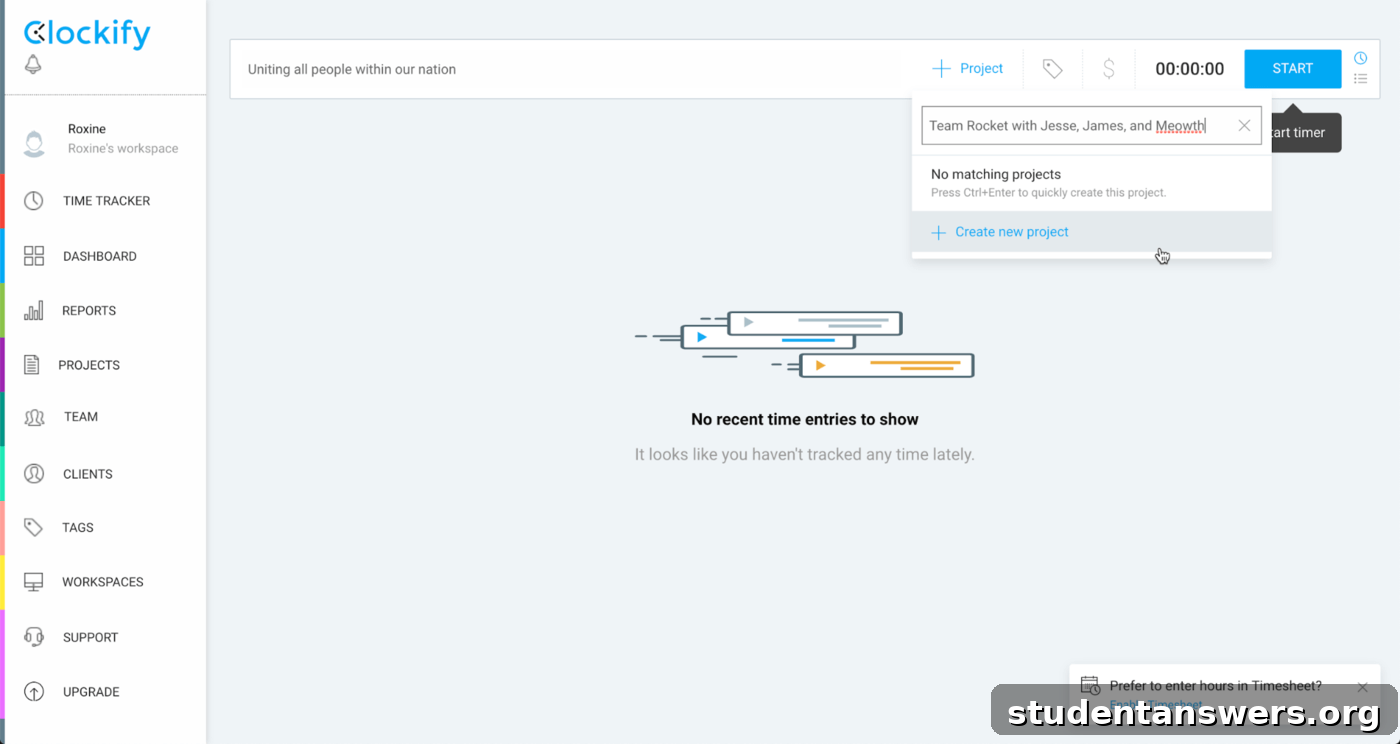
Overview: Clockify is a major competitor to Toggl, offering a remarkably similar feature set but with a key difference: its core features are completely free for unlimited users and projects.
How It Works: Like Toggl, Clockify allows you to track time manually using a timer or by entering hours into a timesheet. You can organize your time by projects, tasks, and tags, and then run reports to see where your time is going.
Key Features:
- Completely Free for Teams: The main draw is its generous free plan, which includes unlimited users, projects, and tracking—a feature that often costs a premium elsewhere.
- Flexible Tracking: You can switch between a timer mode for real-time tracking and a manual mode to add time later.
- Clean Interface: The user experience is smooth and modern, with a calming design that makes it easy to navigate.
- Timesheet and Reporting: Even on the free plan, you get access to visual reports, timesheets, and project dashboards.
Price: Free (paid tiers start at $10/month for advanced features like time-off tracking and invoicing).
Platforms: Web, Mac, Windows, iOS, Android, Chrome & Firefox Extensions
Best For: Teams, freelancers, and students on a budget who need a robust, no-cost time tracking solution that rivals premium alternatives.
5. Timely: AI-Powered Automatic Time Tracking
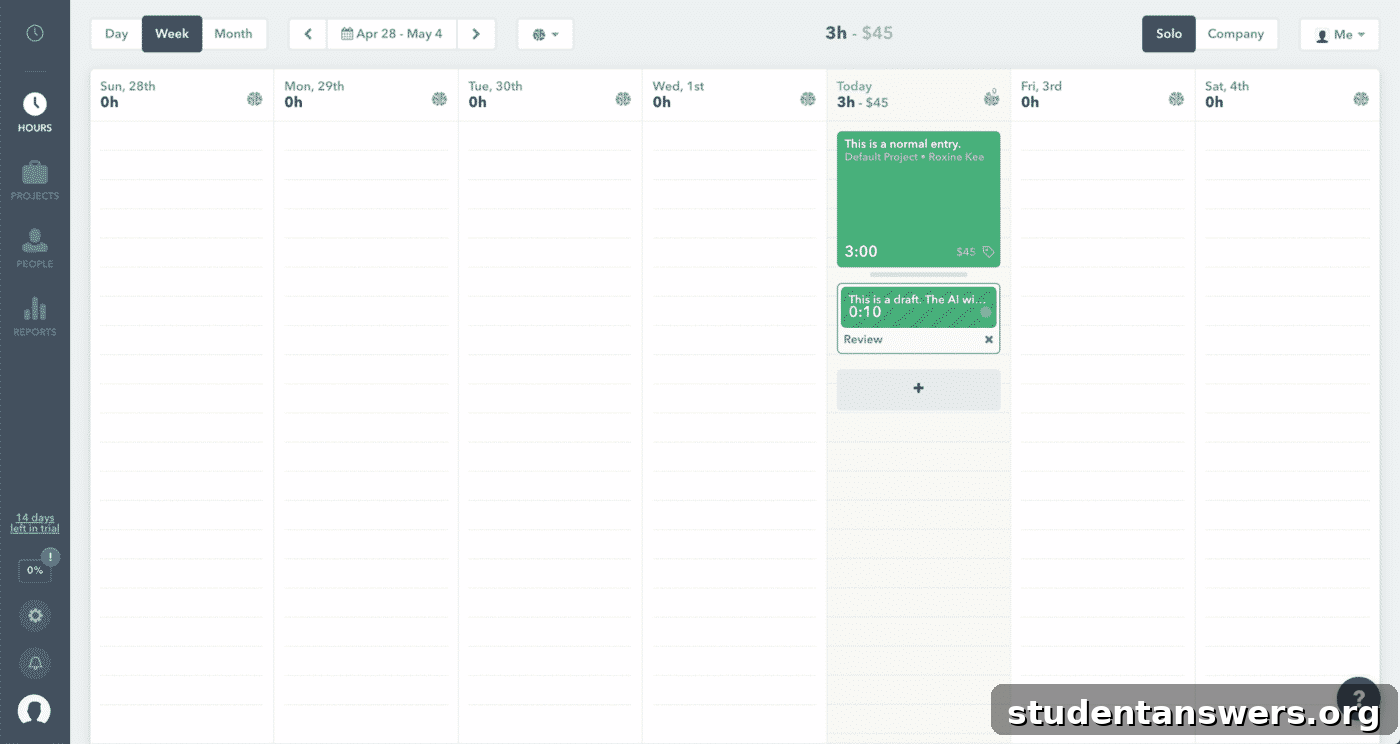
Overview: Timely combines the convenience of automatic tracking with the intelligence of AI to create a beautiful, visual, and highly automated time tracking experience.
How It Works: Timely runs in the background, capturing every application and document you use. It then uses AI to group these activities into projects. Instead of a simple list, your day is presented as a visual timeline, which you can review and approve. The more you use it, the smarter its AI becomes at categorizing your work.
Key Features:
- Automatic & Private Tracking: It records everything you do but keeps it private to you until you decide to log it.
- AI-Powered Suggestions: The AI learns your habits and suggests time entries, saving you from manual categorization.
- Visual Calendar View: Its standout feature is the beautiful, color-coded timeline that makes it easy to see your entire day at a glance.
- Project Management: Includes features for project budgeting and team time management, making it great for professionals.
Price: Starts at $7/month (no free plan available).
Platforms: Windows, Mac, iOS, Android, Web
Best For: Visual thinkers, consultants, and teams who want a sophisticated, automated system and are willing to pay for a premium, AI-driven experience.
6. Timeular: Bridging the Physical and Digital Worlds
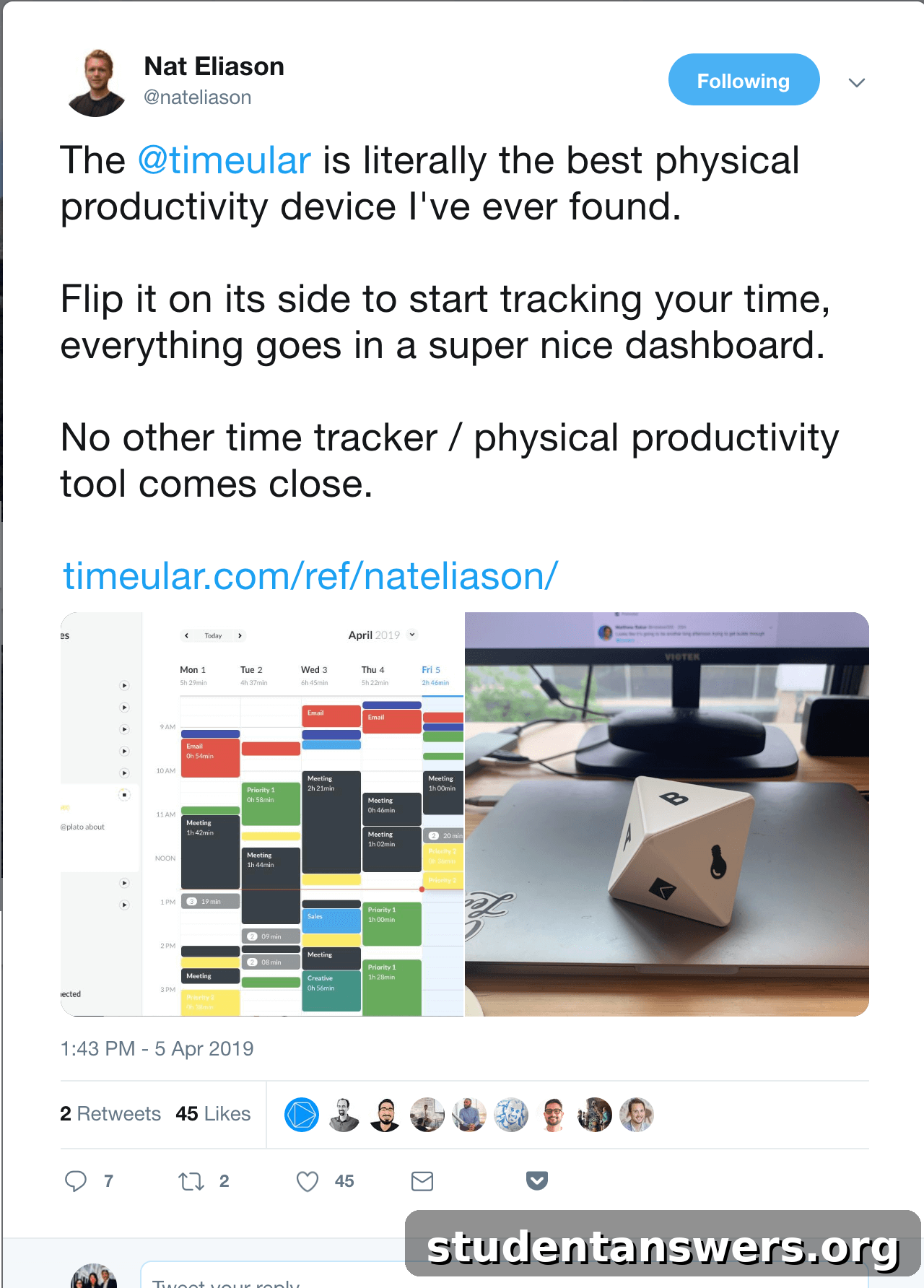
Overview: Timeular offers a completely unique approach by pairing a physical, 8-sided die with a digital app. It’s a tactile solution for those who want a physical reminder to track their time.
How It Works: Each side of the physical tracker is assigned to a different task or project in the software. To start tracking a task, you simply flip the device so that the corresponding side is facing up. The software instantly starts the timer for that activity. It’s a tangible, screen-free way to switch between tasks.
Key Features:
- Physical Tracker: The 8-sided die provides a fun, physical, and immediate way to log your time.
- Software Integration: The die syncs via Bluetooth to the desktop and mobile apps, which provide reports and analytics.
- Mindful Task Switching: The physical act of flipping the tracker helps create a deliberate transition between tasks, improving focus.
- Visual Reports: The software visualizes your time data, helping you understand your work habits.
Price: The software has a limited free tier, but its full potential is unlocked with the physical tracker, which starts at $49 plus a monthly subscription.
Platforms: Windows, Mac, iOS, Android
Best For: Individuals who enjoy physical gadgets, tactile feedback, and want a constant, visible reminder on their desk to stay on task.
Which Time Tracking App Should You Choose?
For most students, the primary goal is to improve focus and understand study habits without needing complex features like invoicing or team management. For this reason, Forest and the free version of RescueTime are the top recommendations. Forest’s gamification is excellent for building focus, while RescueTime provides invaluable insights into digital distractions.
For freelancers and professionals, the choice depends on your workflow:
- If you prefer manual, precise control and need great integrations, Toggl Track is a fantastic choice.
- If you want similar functionality for free, especially when collaborating, Clockify is unbeatable.
- If you want a fully automated, AI-driven system with a beautiful interface, Timely is worth the premium price.
Finally, if you love unique gadgets and want a physical tool to keep you accountable, Timeular offers an experience unlike any other.
Don’t Get Lost in the Tools, Focus on the Goal
“I have two kinds of problems, the urgent and the important. The urgent are not important, and the important are never urgent.” — Dwight D. Eisenhower
It’s easy to spend more time searching for the perfect productivity app than actually being productive. While each of these tools is excellent, remember that an app is just a means to an end. The ultimate goal is to understand your habits, eliminate unimportant tasks, and dedicate more time to what truly matters.
Pick one that resonates with you, start tracking, and focus on the insights it provides. The real transformation happens not when you download the app, but when you use its data to make better decisions about how you spend your most valuable resource: your time.