

Must Have Apps for a Smarter College Experience
The Ultimate Guide to the Best Apps for College Students
Navigating college life is an exciting journey, but it can also be incredibly demanding. Juggling challenging courses, new social circles, and the looming question of your future career can often feel overwhelming. In today’s digital age, however, your smartphone can be your most powerful ally in managing this new chapter of your life.
What if you had a suite of tools designed to streamline your studies, organize your projects, manage your finances, and even make travel more affordable? The good news is, you can. There isn’t a single magic app, but a wide array of powerful applications are available to help you succeed and reduce stress. This comprehensive guide will walk you through the best apps for college students, categorized to help you find exactly what you need to thrive.
Study and Academic Apps
Let’s begin with the core of your college experience: academics. These applications are designed to help you master difficult subjects, write flawless essays, and study more efficiently than ever before.
Chegg Study
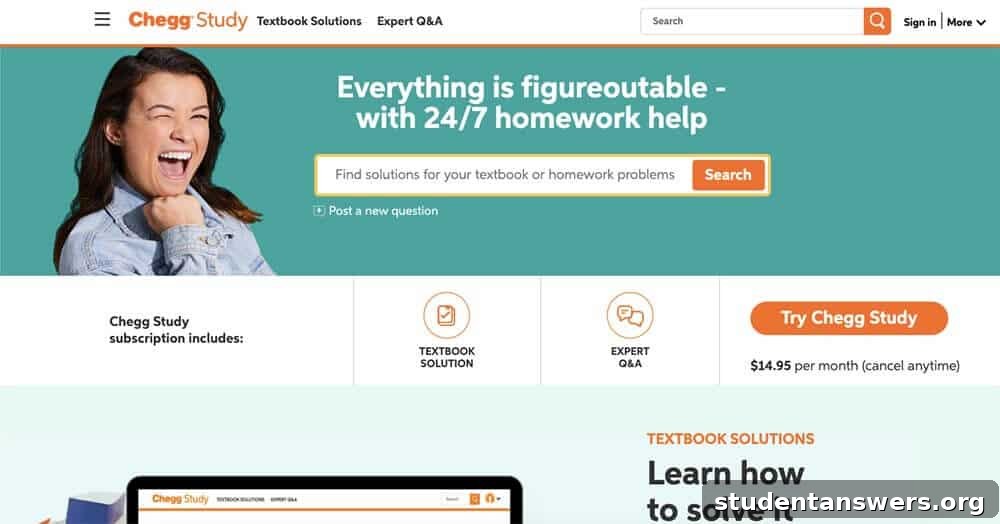
Professor office hours are a fantastic resource, but they aren’t always available when you’re burning the midnight oil on a tough assignment. That’s where Chegg Study shines. It offers 24/7 homework assistance, providing step-by-step solutions for thousands of textbook problems across a wide range of subjects. You can also access guided video explanations. If you’re stuck on a unique problem, simply snap a picture and an expert from Chegg will provide a detailed explanation, making it an indispensable tool for late-night study sessions.
Wolfram Alpha
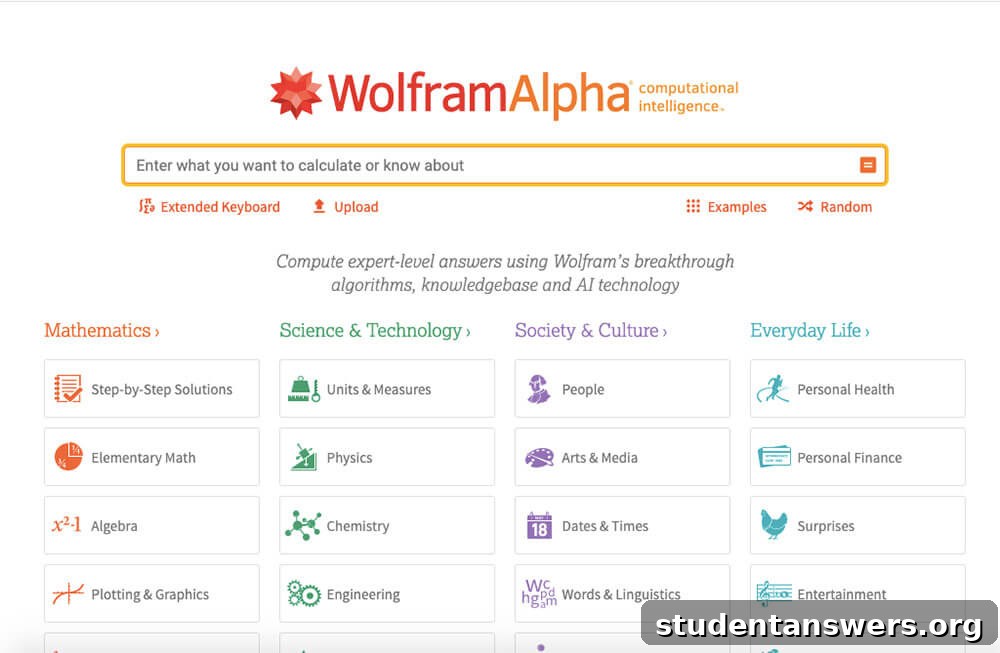
Imagine a search engine that doesn’t just give you links, but computes answers. That’s Wolfram Alpha. It’s a “computational knowledge engine” that can solve complex math equations, look up scientific formulas, and provide factual data on nearly any topic. It’s perfect for checking your homework answers, but the Pro version unlocks its true power by showing detailed, step-by-step solutions. Use it as a powerful learning aid to understand the process, not just to find the final answer.
Anki
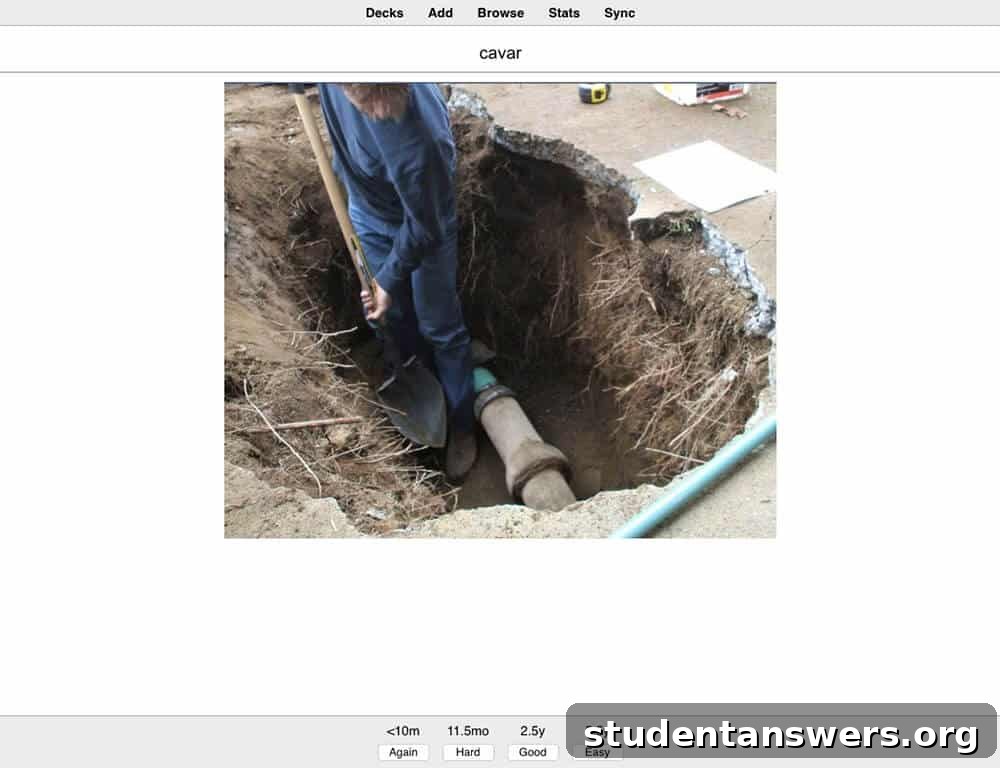
Flashcards are a time-tested method for memorization, but physical cards are cumbersome and inefficient. Anki brings this technique into the digital age with a powerful twist: spaced repetition. This scientifically-backed algorithm shows you flashcards right before you’re about to forget them, dramatically improving long-term retention. Anki is a game-changer for memorizing foreign language vocabulary, complex formulas, historical dates, or medical terminology, ensuring the information sticks in your brain for the long haul.
Google Docs
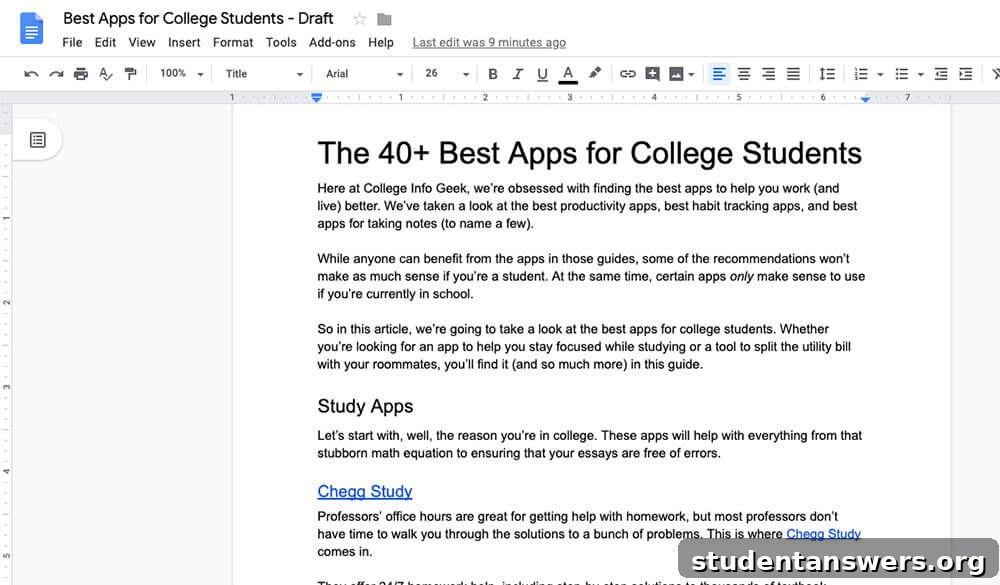
For writing papers, Google Docs is the modern standard. It offers a clean, distraction-free writing environment that focuses on what matters most. Its biggest advantage is cloud-based functionality. Your work is saved automatically, so you’ll never have to worry about a computer crash deleting your final paper. Furthermore, its collaboration features are seamless, making it an essential tool for any group writing assignment.
Grammarly
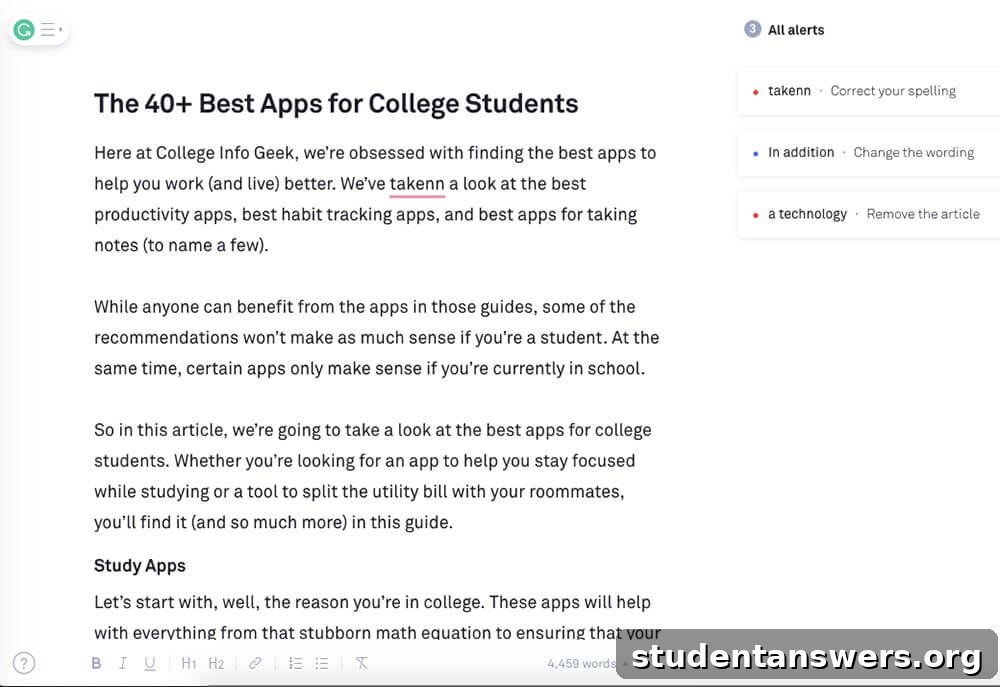
Even the most careful writers make mistakes. Grammarly acts as your personal editor, catching far more than a standard word processor’s spell checker. It scans your writing for grammatical errors, spelling mistakes, punctuation issues, and awkward phrasing. For each suggestion, it provides a clear explanation, helping you not only fix the mistake but also improve your writing skills over time. It’s an essential tool for ensuring your essays and emails are polished and professional.
Coggle
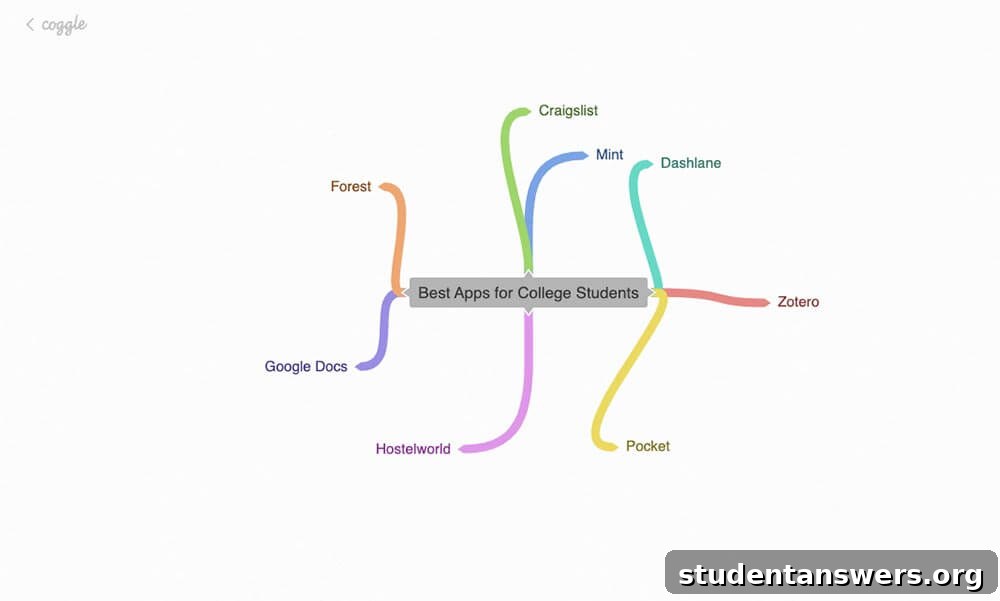
For visual learners, understanding a complex topic often starts with drawing it out. Coggle is a beautiful and intuitive tool for creating mind maps and flowcharts. It’s perfect for brainstorming essay ideas, breaking down complex scientific processes, or mapping out historical events. Visualizing connections between ideas can unlock new levels of understanding and creativity.
Zotero
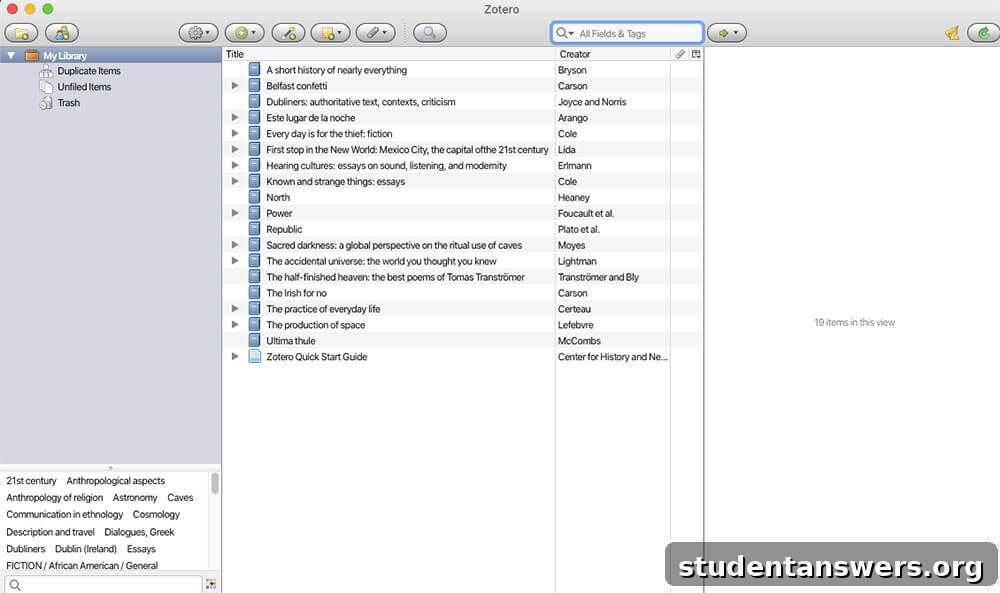
Writing research papers involves managing dozens of sources, and creating a properly formatted bibliography can be a nightmare. Zotero is a free, open-source reference manager that automates this entire process. It helps you collect, organize, cite, and share your research sources, from books and journal articles to web pages. When your paper is complete, Zotero can generate a perfectly formatted bibliography in MLA, APA, Chicago, or thousands of other citation styles in seconds.
Group Project and Collaboration Apps
Group projects are a staple of college, but they don’t have to be a source of frustration. These apps are designed to improve communication, delegate tasks, and keep everyone on the same page.
Trello
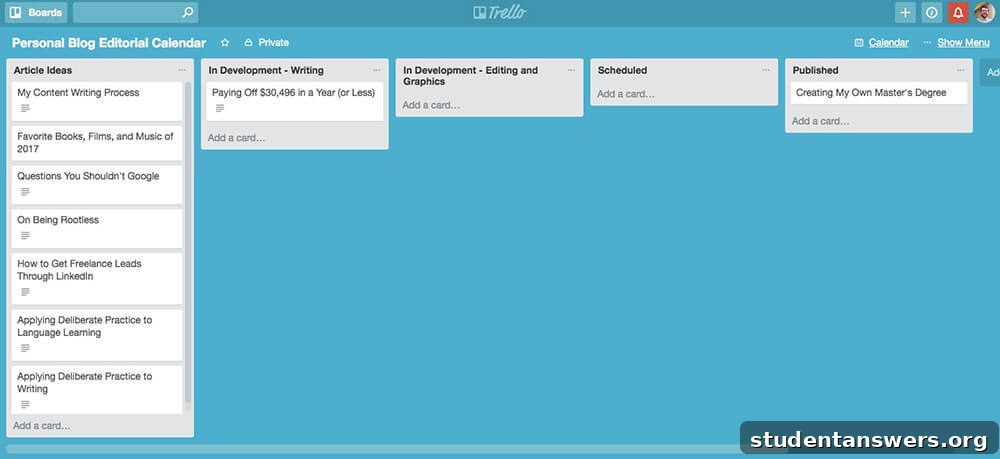
The biggest challenge in group projects is ensuring accountability. Trello provides a simple, visual way to manage tasks using boards, lists, and cards. You can create a list for each stage of the project (e.g., “To Do,” “In Progress,” “Done”), create a card for each task, and assign it to a group member with a due date. This transparency makes it clear who is responsible for what, reducing confusion and keeping the project moving forward.
Slack
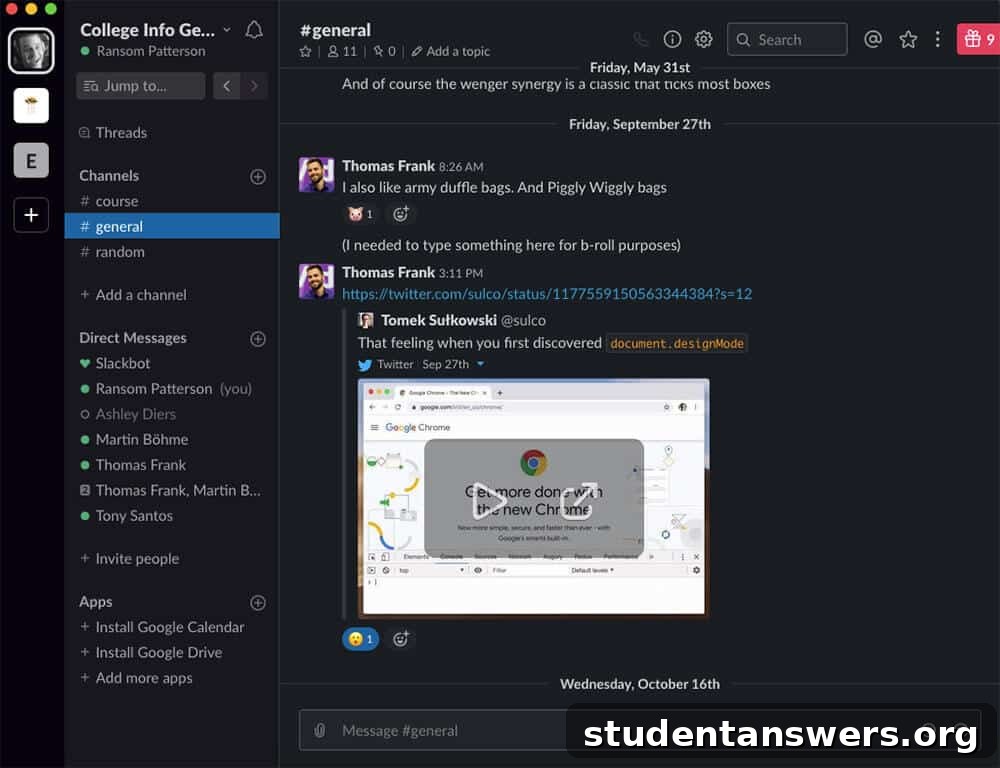
Group text messages for a project can quickly become a chaotic mess of notifications and lost information. Slack brings professional-level organization to your group communication. You can create specific channels for different topics (e.g., #research, #presentation-design), share files easily, and keep all project-related conversations in one searchable place. It’s a much more efficient and organized way to communicate than email or text.
Doodle
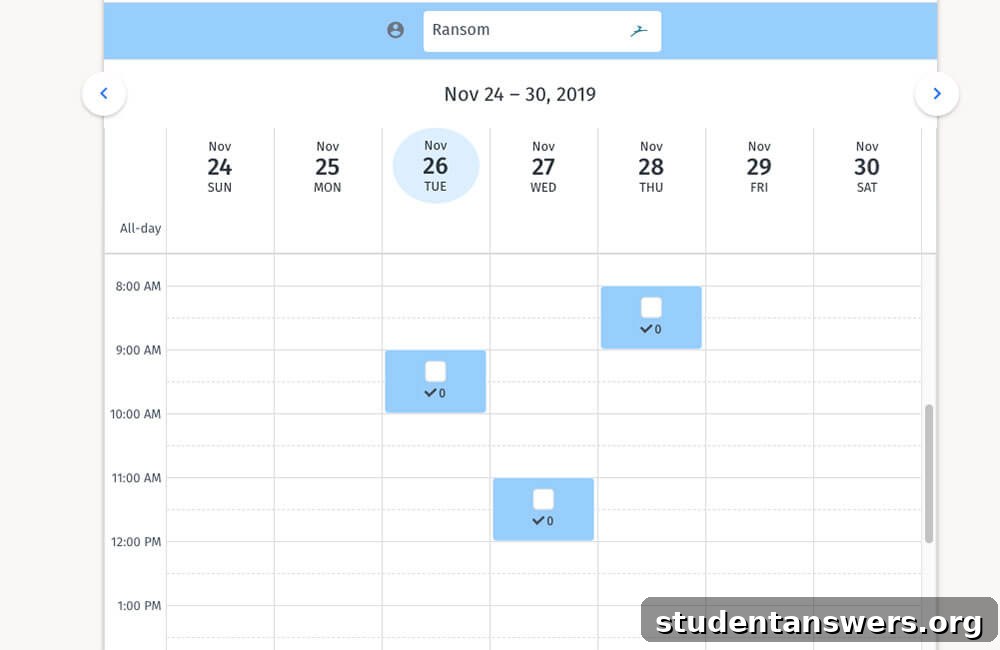
Trying to find a meeting time that works for four or five busy college students can feel impossible. Doodle eliminates the endless back-and-forth emails and texts. You simply propose a few potential meeting times, send a link to your group, and everyone marks their availability. Doodle then clearly shows which time slot works best for the most people, saving everyone time and frustration.
Organization and Productivity Apps
College life comes with more responsibilities than ever before. These apps will help you manage your time, tasks, and digital life, ensuring nothing falls through the cracks.
Google Calendar
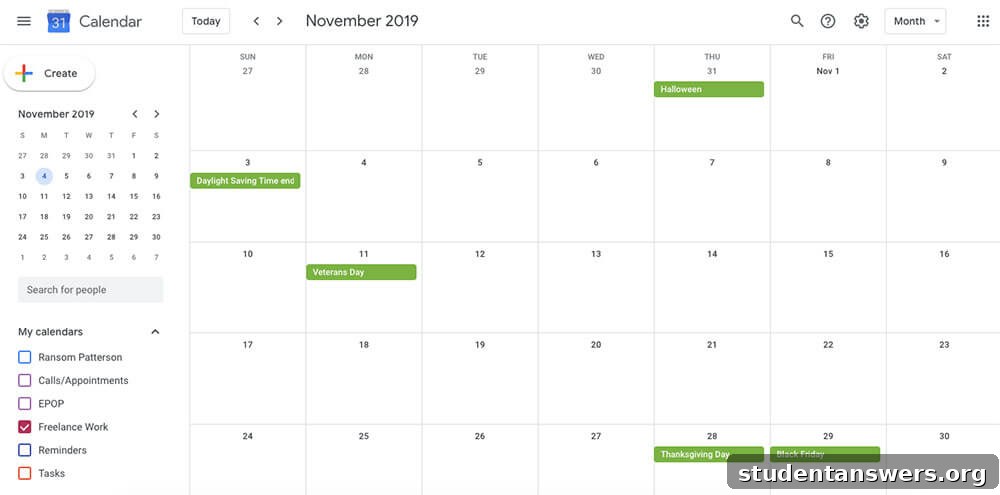
If there’s one habit to build in college, it’s using a digital calendar. Google Calendar is the gold standard for its simplicity, cross-platform syncing, and powerful features. Schedule your classes, study sessions, club meetings, and assignment due dates. Set reminders so you’re never late or unprepared. A well-maintained calendar is the foundation of an organized and less stressful academic life.
Todoist
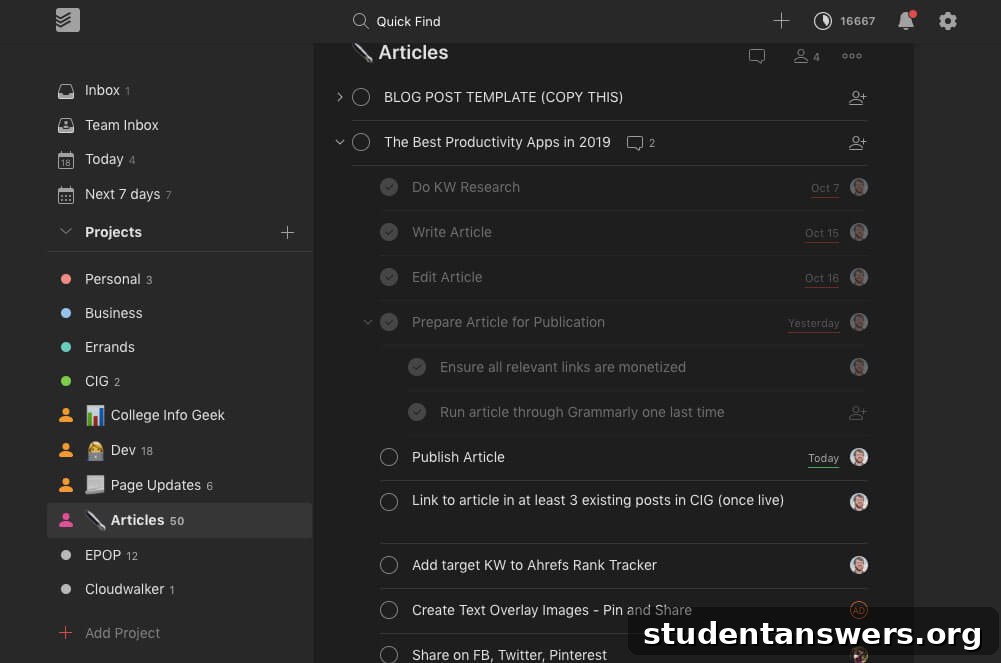
While a calendar tells you where you need to be, a to-do list app tells you what you need to do. Todoist is our top pick for its clean design and powerful features. It makes capturing tasks effortless with its natural language input (e.g., “Submit history essay by Friday at 5 pm”). You can organize tasks into projects, set priorities, and get a clear overview of your upcoming deadlines, ensuring you stay on top of all your responsibilities.
Evernote
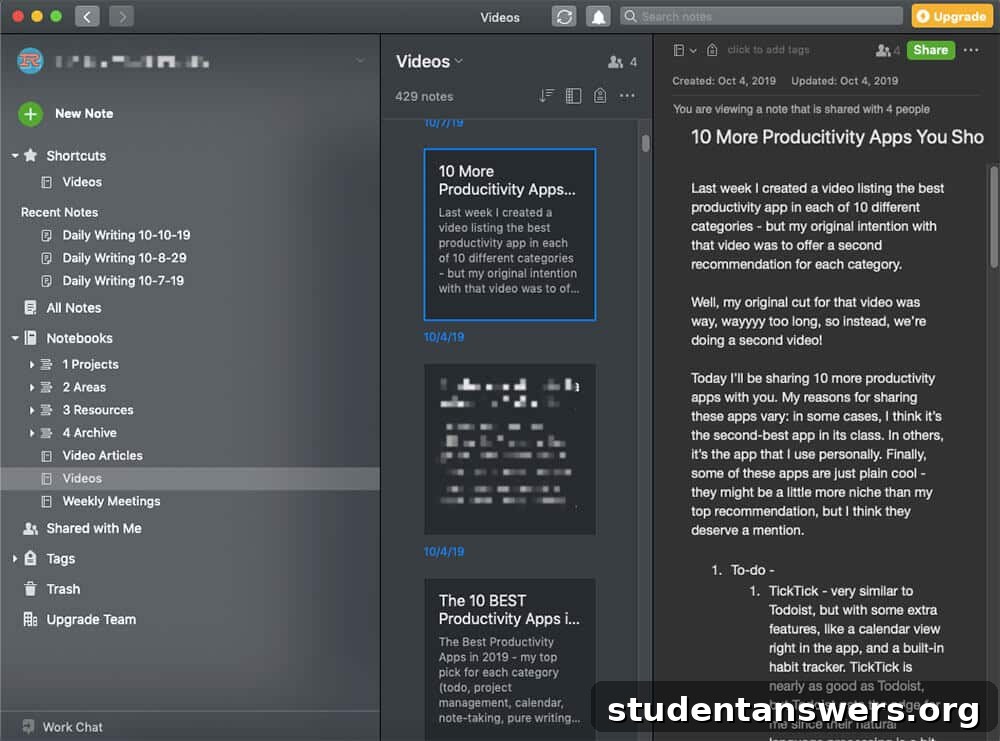
Evernote acts as your second brain. It’s a powerful note-taking app that allows you to capture ideas, lecture notes, web clippings, and documents in one place. Its true strength lies in its organizational and search capabilities. You can organize notes into notebooks, add tags, and find anything you’ve ever saved with a quick search. You can even search for text within images and handwritten notes, making it an incredibly powerful tool for research and studying.
Forest
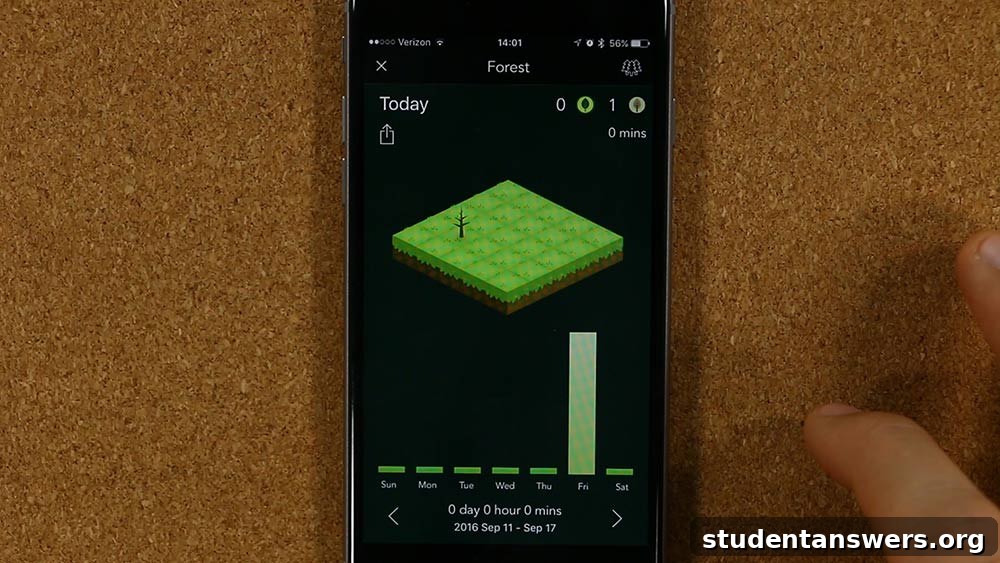
Your smartphone is a major source of distraction. Forest offers a unique and charming solution to this problem. When you need to focus, you plant a virtual tree in the app. The tree grows as long as you stay off your phone. If you leave the app to check social media, your tree withers. Over time, you can grow a lush virtual forest, providing a satisfying visual representation of your focused work sessions. It’s a surprisingly effective way to build better study habits.
Money and Finance Apps
For many, college is the first time you’ll be managing your own finances. These apps help you create a budget, track your spending, save money, and split bills with roommates without any drama.
Mint
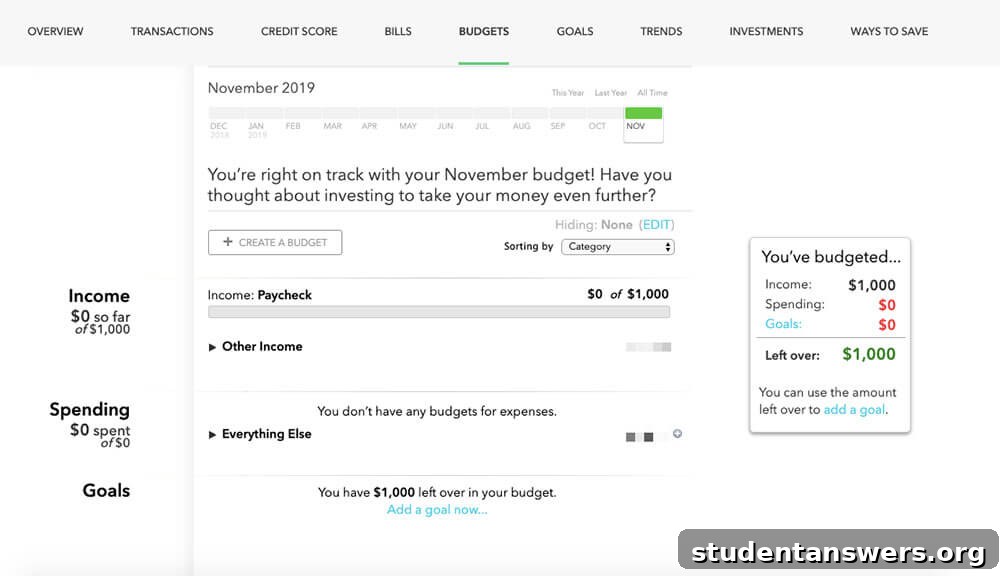
Keeping track of your money can be tough. Mint simplifies personal finance by securely connecting to your bank accounts, credit cards, and loans, giving you a complete picture of your financial health in one place. It automatically categorizes your transactions, shows you where your money is going, and helps you create budgets. Mint will alert you when you’re over budget or when bills are due, empowering you to take control of your finances.
Splitwise
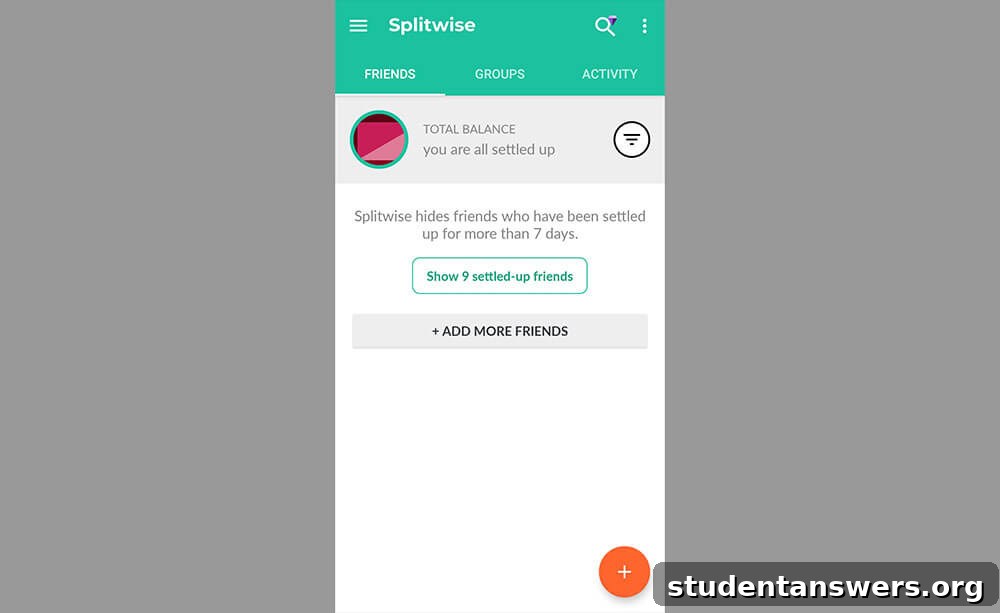
Living with roommates means sharing expenses like rent, utilities, and groceries. Splitwise takes the awkwardness out of asking for money. The app keeps a running tally of who owes whom for what. Anyone in the group can add a bill and split it accordingly. When it’s time to settle up, the app simplifies the debts to minimize the number of payments. It’s the best way to maintain financial harmony in your apartment.
Betterment
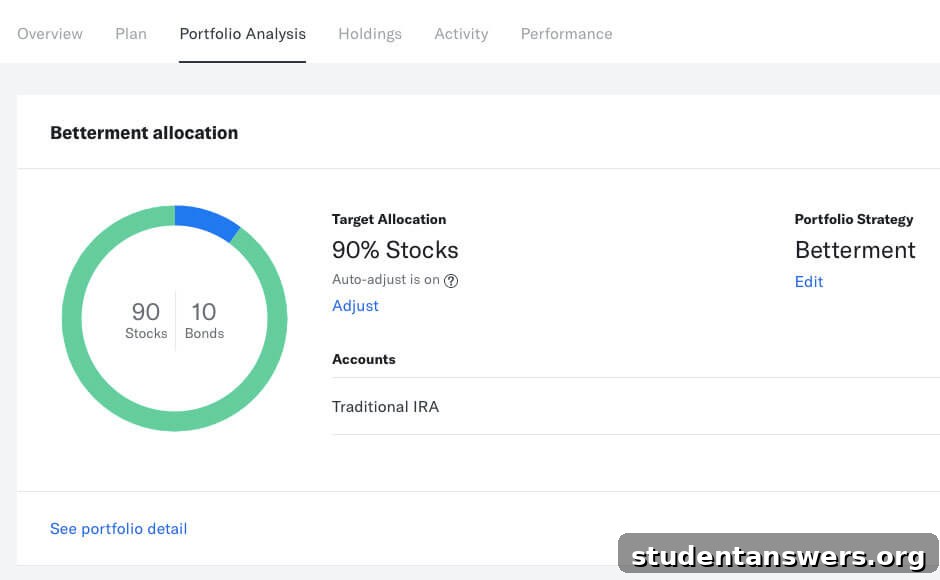
It’s never too early to start investing, and apps like Betterment make it accessible even on a student budget. Betterment is a robo-advisor that builds and manages a diversified portfolio for you based on your financial goals. You can start with a very small amount and set up automatic deposits. By starting early, you can take advantage of the power of compound interest, setting a strong foundation for your financial future.
Make College Your Own with the Right Tools
Your time in college is a unique opportunity for growth, learning, and self-discovery. While the challenges are real, you have an incredible array of digital tools at your disposal to make the experience smoother, more productive, and less stressful. The apps listed here are not magic solutions, but powerful aids that can help you build better habits and stay organized.
We encourage you to experiment with a few apps from this guide that address your biggest pain points. Whether it’s mastering a tough subject, coordinating a group project, or finally getting a handle on your budget, there’s an app that can help. By leveraging this technology wisely, you can free up more time and mental energy to focus on what truly matters: getting the most out of your college experience.